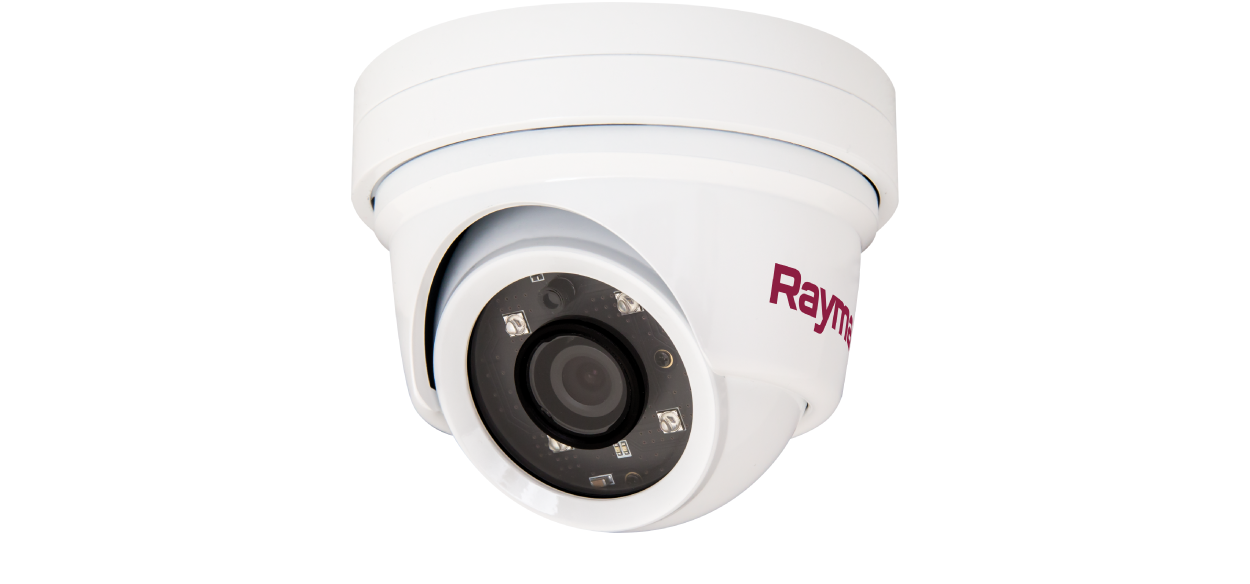
CAM300 Installation & Operation Instructions
Let’s Go!
How to navigate this document
Legal notices
Important information
Safety warnings
Product installation and operation
Potential ignition source
Switch off power supply
Product warnings
12 Volt dc only
Power supply voltage
Positive ground systems
Powering PoE devices
Power supply protection
Service and maintenance
Regulatory notices
Disclaimer
Declaration of Conformity
PSTI Compliance
Product disposal
Warranty policy and registration
IMO and SOLAS
Technical accuracy
Publication copyright
Document information
Applicable products
Document illustrations
Product documentation
Printed (hardcopy) product manuals
Product and system overview
Product overview
Power over Ethernet (PoE)
Video recording storage consumption
Compatible MFDs and LightHouse software
LightHouse software camera feature support
Incompatible multifunction displays
Software updates
Installing software updates
Required additional components
System overview (example only)
Augmented Reality (optional)
Parts supplied
Parts supplied
Inline fuse requirement
Product dimensions
Product dimensions
Location requirements
Warnings and cautions
Potential ignition source
General location requirements
EMC installation guidelines
Suppression ferrites
Connections to other equipment
Compass safe distance
Augmented Reality
Cables and connections — General information
General cabling guidance
Cable types and length
Routing cables
Strain relief
Circuit isolation
Cable shielding
Positive ground systems
Connecting cables
Connections overview
Mounting
Tools required
Camera orientation
Mounting options
Mounting the unit (through-surface cabling)
Mounting the unit (above-surface cabling)
Network connections
Network cable connector types
Network connection
Powering PoE devices
PoE network connection
Non-PoE network connection
Network cable extensions
PoE power connections
Power options
Powering PoE devices
Power over Ethernet (PoE)
PSE (Power Sourcing Equipment) power connection
PoE injector power connection
Network cable extensions
PoE LED indication
Non-PoE power connections
Power options
Powering PoE devices
12 Volt dc only
Dedicated power connection
Inline fuse and thermal breaker ratings
Grounding not required
Power distribution
Power cable extension (12 V systems)
IP address discovery
Camera IP address discovery
Accessing the camera’s web interface page
IP address discovery via ONVIF Device Manager
Camera setup and operation via MFD / chartplotter
Setting up the camera via a Raymarine MFD
Camera operation via the Raymarine MFD Video app
Multifunction display / chartplotter software version
Camera operation via the Web interface (LightHouse 4 / LightHouse 3)
Camera setup and operation via PC / laptop
Supported browsers
Logging in to the Web browser user interface
Web browser user interface overview
Live menu
AI Intelligence menu
Intelligent Detection
Voice Alarm
Overlay Settings
Remote Setting menu
Camera Config
OSD Config
Image Control
Privacy Zone
Network Config
Network Config
Port Config
RTSP Config
P2P Config
Code Config
Code Parameters
Audio Parameters
Capture Configuration
Alarm Config
System Config
Time Setting
User Management
Device Info
PTZ Setting
System Maintain
Auto Reboot
Firmware Update
Restore Default
Local Setting menu
Augmented Reality
Augmented Reality (AR) overview
Augmented Reality (optional)
Maintenance
Routine checks
Unit cleaning instructions
Troubleshooting
Troubleshooting
Power connection troubleshooting
Powering PoE devices
PoE power connection troubleshooting
Non-PoE power connection troubleshooting
IP camera troubleshooting
Resetting the camera
Augmented Reality (AR) Troubleshooting
Technical support
Raymarine technical support and servicing
Diagnostic product information
Learning resources
Technical specification
Physical specification
Power specification
Environmental specification
Camera specification
Video specification
Conformance specification
Spares and accessories
Spares and accessories
RayNet to RayNet cables and connectors
RayNet to RJ45, and RJ45 (SeaTalk HS) adapter cables
Enabling Internet Explorer mode on Microsoft Edge (Windows 10 / 11)
Internet Explorer dependent settings
Ethernet (IPv4) networking of Raymarine devices with third-party products