Logging in to the Web browser user interface
OperationWeb browserLogin
If your product was:
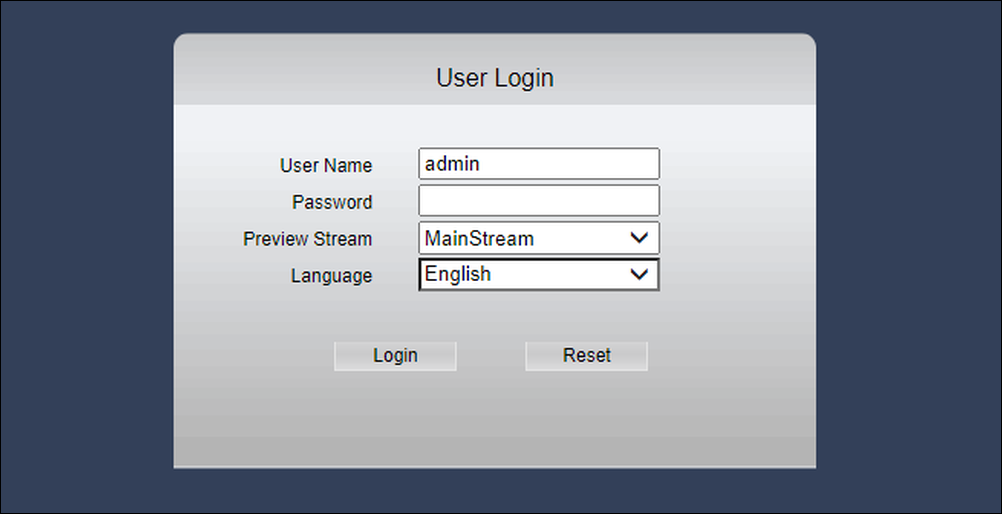
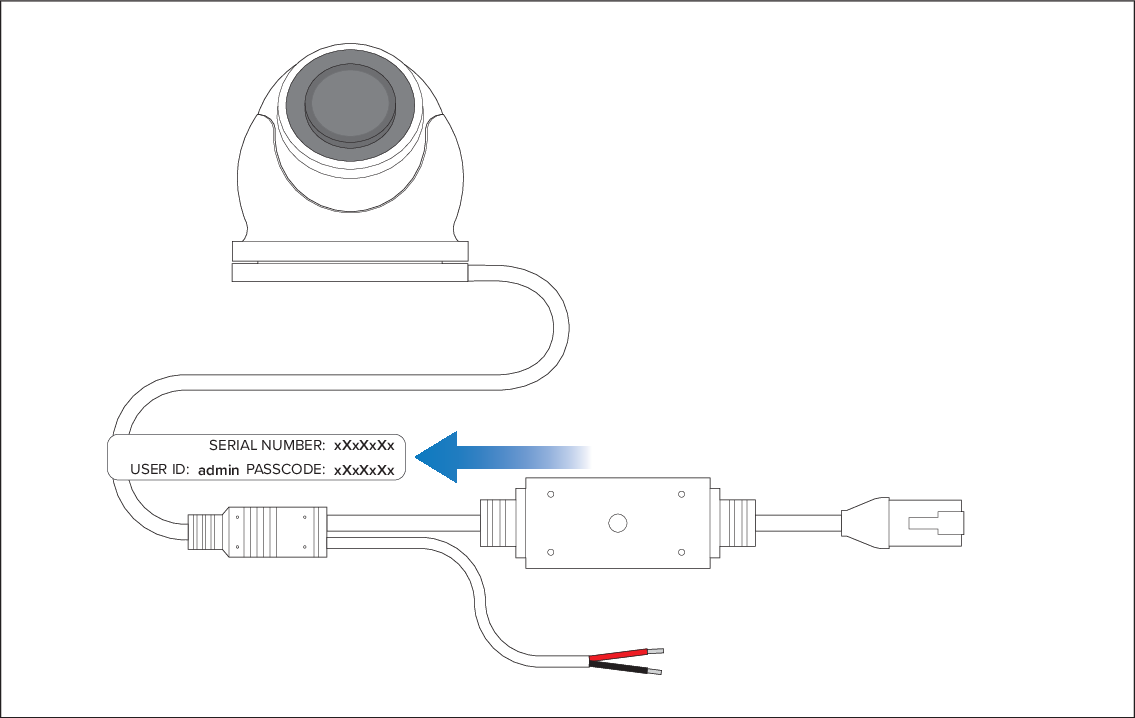
NOT provided with a serial number label supplied in the box and / or attached to the fitted cable, login using:
Username: admin
Password: _____
If your product was:
Provided with a serial number label supplied in the box and / or attached to the fitted cable, login using the details provided on the label:
Important
You should change the default login password to prevent unauthorized access.
Resetting a lost password can only be accomplished with the aid of a Raymarine technical support agent. For more information, refer to: Technical support
To access the CAM300’s Web browser user interface:
- Enter your camera’s IP address in the browser’s address
bar in the following format: http://xxx.xx.x.xxx
The following login screen will be displayed: