Live menu
The Live menu displays the camera’s video feed and any additional overlay settings that have been enabled from the Remote Setting menu. The following options can be selected from the Live menu display:
OperationWeb interfaceLive menu
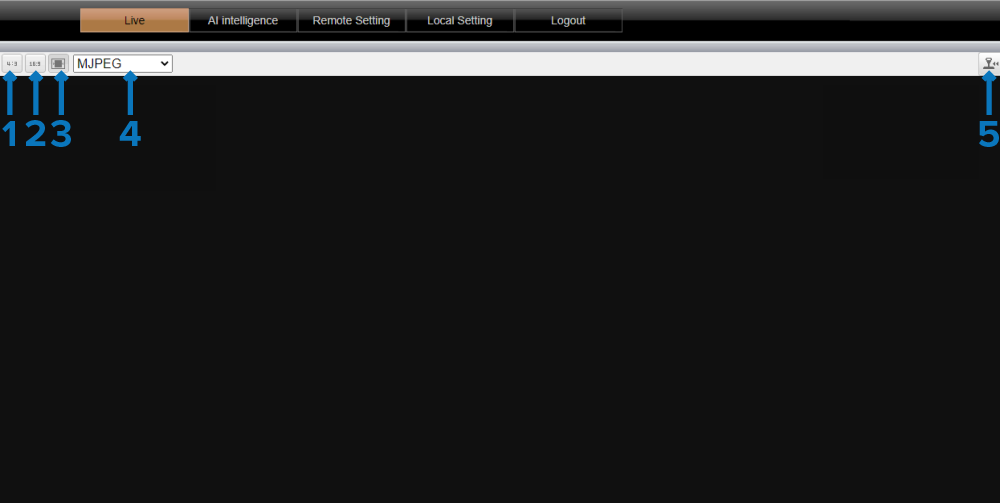
4:3 — Enables you to change the live video feed to a 4:3 aspect ratio.
16:9 — Enables you to change the live video feed to a 16:9 aspect ratio.
Stretched Display — Enables you to stretch the live video feed to fit your screen’s display.
(PC ONLY) QuickTime / VLC / MJPEG — Enables you to change between the Quicktime, VLC and MJPEG media players.
NoteQuickTime Player 7 is no longer supported.
VLC is not accessible by default and must be downloaded separately.
Pan-tilt-zoom — This setting is not supported by the CAM300.