PoE power connection troubleshooting
Before troubleshooting problems with your PoE (Power over Ethernet) power connection, ensure that you have read and followed the power connection guidance provided and performed a power cycle/reboot of the device. The troubleshooting information below can be used if you are experiencing problems when powering your product via PoE.
TroubleshootingPower connectionPoE
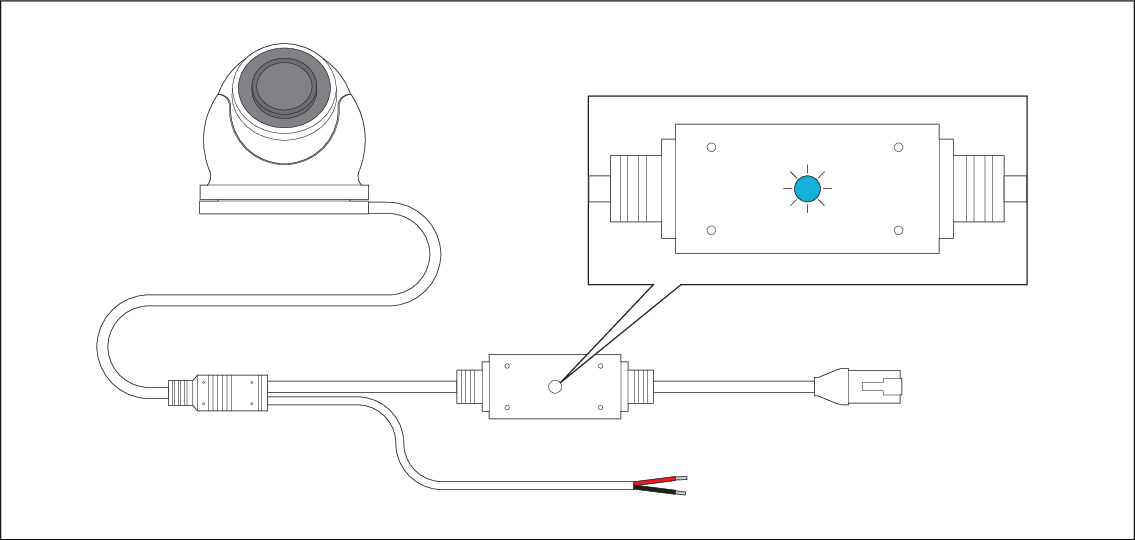
Figure 1. Example: PoE LED
| Troubleshooting issue | User action(s) |
|---|---|
Flashing (blue) — Transferring data: |
|
Light off (no color) — Powered OFF: |
|