Radar targets
With a compatible Radar scanner connected to your MFD, radar targets can be tracked in the Chart app and Radar app. Depending on your Radar scanner, radar targets can be acquired manually or automatically, based on your configured Guard zones.
Radar targetTracking
Tracked radar targets are identified onscreen using target symbols.
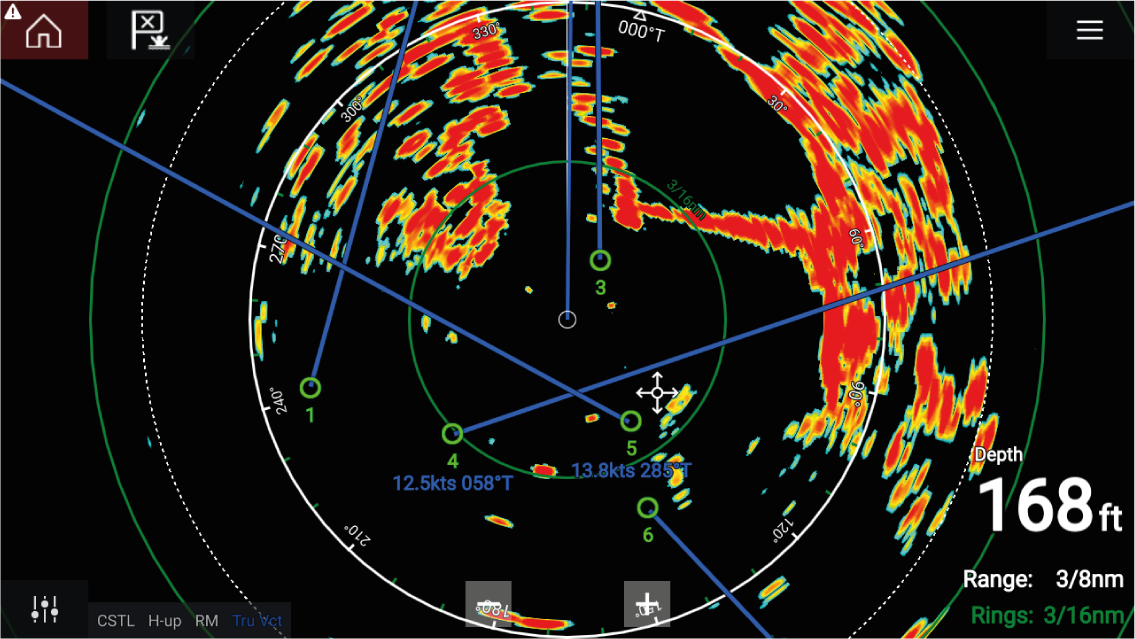
Multiple radar targets can be tracked simultaneously.
Target vectors and information can be displayed for each target.
Radar target options are available from the Radar target context menu. The Radar target context menu provides options for you to Cancel target, Show CPA graphic or display Target info onscreen by selecting the relevant option. The Radar context menu is accessed by selecting the radar target.