Radar targets
Radar target symbols are used to identify Radar targets onscreen.
Radar targetSymbolsRadar targets are displayed in the Radar app and when Radar overlay is enabled () they are also displayed in the Chart app.
 |
Acquiring target (manual) — Thin dashed Green circle |
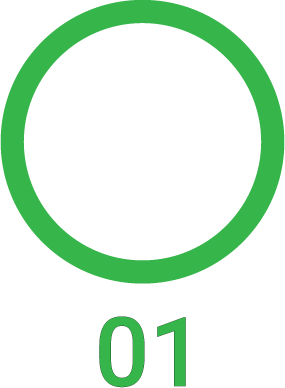 |
Acquired target (manual) — Green circle with Target ID |
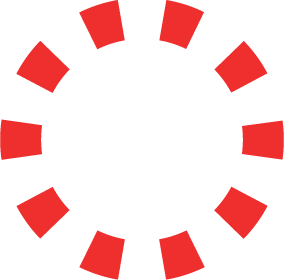 |
Acquiring target (auto) — Thick dashed Red circle, flashes until acknowledged |
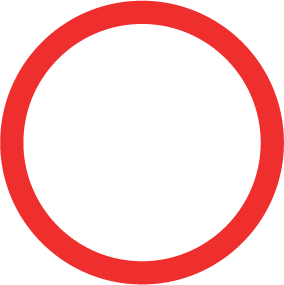 |
Unacknowledged acquired target (auto) — Red circle, flashes until acknowledged |
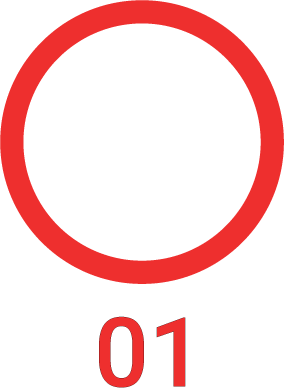 |
Dangerous target — Red circle with Target ID, flashes until acknowledged |
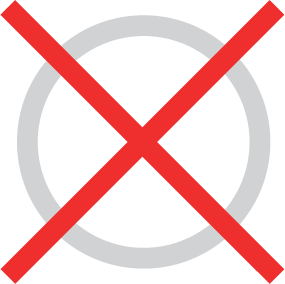 |
Lost target (Target not detected for 4 Radar scans) — Gray circle with Red cross through |
Once acquired the target’s COG (Course Over Ground) and SOG (Speed Over Ground) can be displayed below the target ID.
The Target info is colored Blue if COG and SOG values are True or Orange if values are Relative. Target info will turn Red if the target becomes dangerous.