Target data reference mode
In the Radar app the data shown in individual AIS and Radar target context menus can be switched between True and Relative reference mode.
Selecting either True or Relative from the Quick adjust menu will switch the reference data for all AIS and Radar targets.
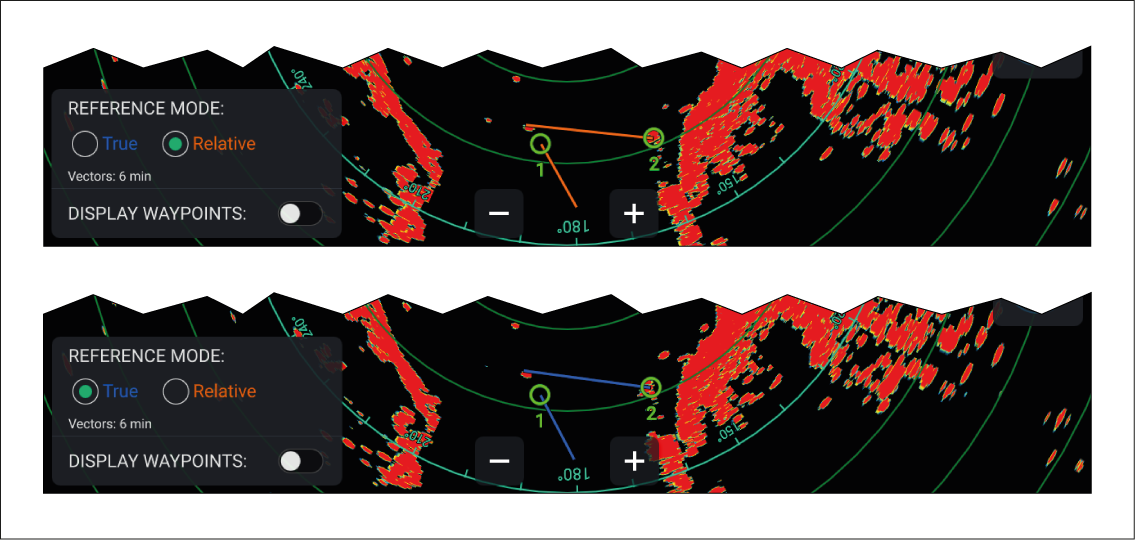
Figure 1. Quick adjust menu
Target context menuData reference modeSelecting the True/Relative toggle switch from the target context menu will switch between True and Relative reference data for the selected target only.
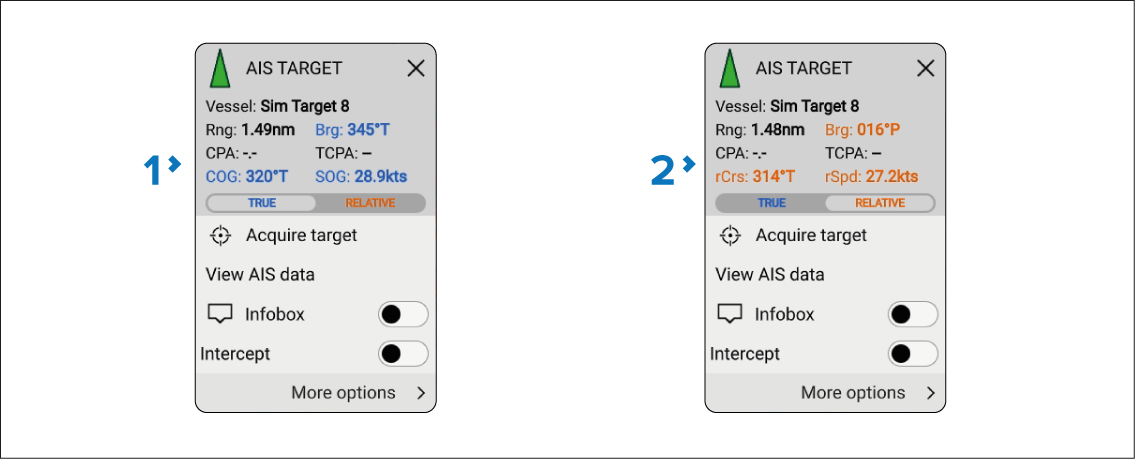
Figure 2. Context menu
True data is shown in blue.
Relative data is shown in orange.