AIS targets
With compatible AIS hardware connected to your MFD, AIS targets can be automatically displayed in the Radar app.
Radar app AIS targetsAISTarget trackingTracked AIS targets are identified onscreen using target symbols.
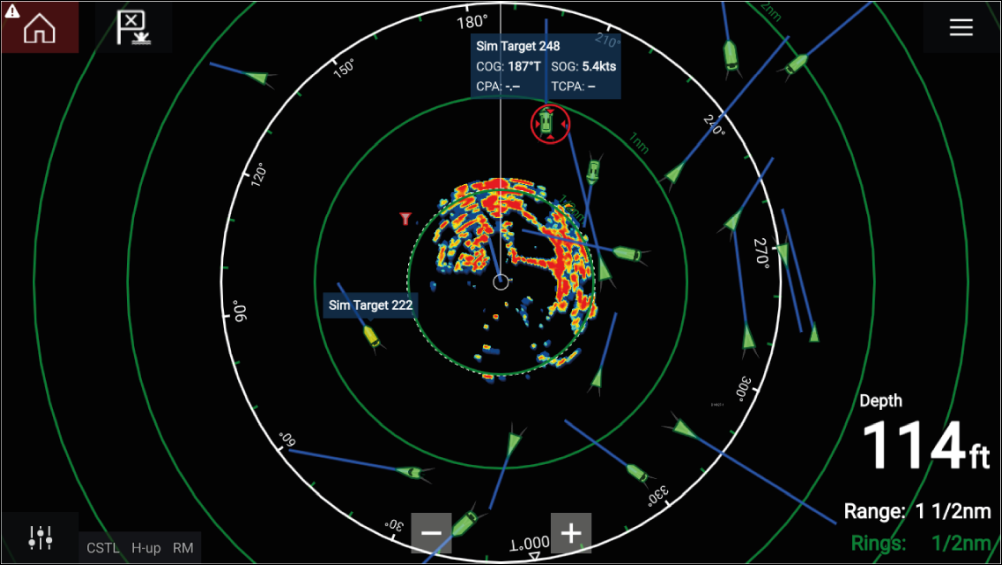
Target vectors and information can be displayed for each target by selecting the relevant option from the AIS target context menu. The AIS target context menu is accessed by selecting the AIS target.
You can also select the type of AIS targets that should be displayed, i.e.: All, Dangerous, Buddies and hide static targets from the AIS Settings tab.