Using the Dockside wizard
The dockside calibration process must be completed
before the autopilot system can be used for the first time. The Dockside
wizard guides you through the steps required for dockside calibration.
The Dockside wizard contains different steps depending on whether the system includes rudder reference transducer:
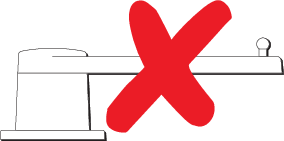 |
The following Dockside wizard procedures apply to vessels that do not have a rudder reference transducer:
|
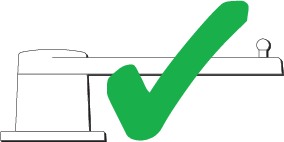 |
The following Dockside wizard procedures only apply to vessels that include a rudder reference transducer:
|
To access the wizard, ensure the autopilot is in standby and then:
- Select Dockside Wizard from the Advanced settings menu .
- Select Continue to initiate the dockside wizard and follow the onscreen instructions.