Checking the rudder drive (no rudder reference fitted)
As part of the dockside wizard, the system will
check the drive connection. Once it has completed the check successfully,
a message will appear asking if it is safe for the system to take
the helm.
During this procedure the autopilot will move the rudder. Ensure it is safe to proceed before proceeding.
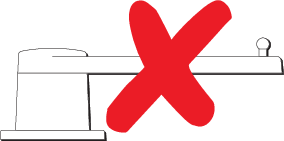 |
|
Note
If you confirmed a “NO” response for the rudder movement to both port and starboard, the wizard will exit. It is possible that the steering system did not move the rudder in any direction, and it will be necessary to check the steering system before completing the Dockside wizard procedure again.
Important
If you have not already done so, now set your Hard-over time using the following instructions: Setting the hard-over time