Rudder limit setting is included in the dockside wizard
and comes after rudder alignment or drive selection depending on whether
a rudder reference transducer is fitted.
Rudder limit
For vessels without a rudder reference transducer
Rudder limit are set to 30 degrees and can be adjusted as required.
For vessels with a rudder reference transducer
The rudder alignment process establishes the rudder limit.
The rudder limit will be displayed with a message confirming that
the rudder limit has been updated.
If required, the limit can be adjusted.
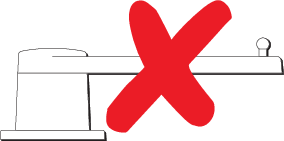
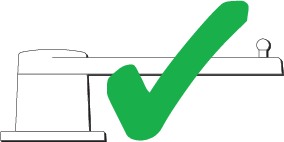
Ensure that the rudder limit is sufficient to prevent the
steering mechanism impacting the end stops and placing the steering
system under unnecessary load. If required adjust the limit by selecting
the rudder limit value box.
Important
It is recommended that the limit is
set to approximately 5 degrees less then the maximum rudder angle.
Select Continue to move to the next
step.
Note
The rudder limit can be adjusted when the autopilot
is in standby, from the Pilot set-up menu: Homescreen > Settings > Autopilot > Pilot set-up > Rudder Limit.