Autopilot settings menu
The Autopilot settings menu is available when a compatible Raymarine or Mercury® autopilot is detected. The Autopilot settings menu provides settings to configure the display so that it can be used to control a compatible autopilot. The settings available are dependent on the configured Vessel hull type in the Pilot set-up settings menu.
SettingsAutopilotThe menu can be accessed by selecting the Autopilot tab from the menu.
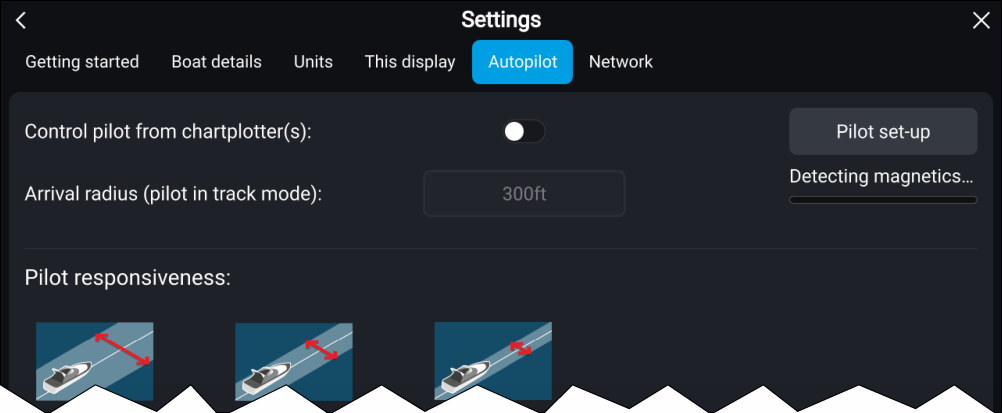
The Autopilot settings menu provides the following settings:
For more information about Raymarine autopilot control and configuration refer to: Autopilot integration
For more information about Mercury® autopilot control and configuration refer to: Autopilot control