Navigation pane
The user interface is navigated using the expandable Navigation pane located on the left side of the camera’s settings pages.
User interfaceNavigation
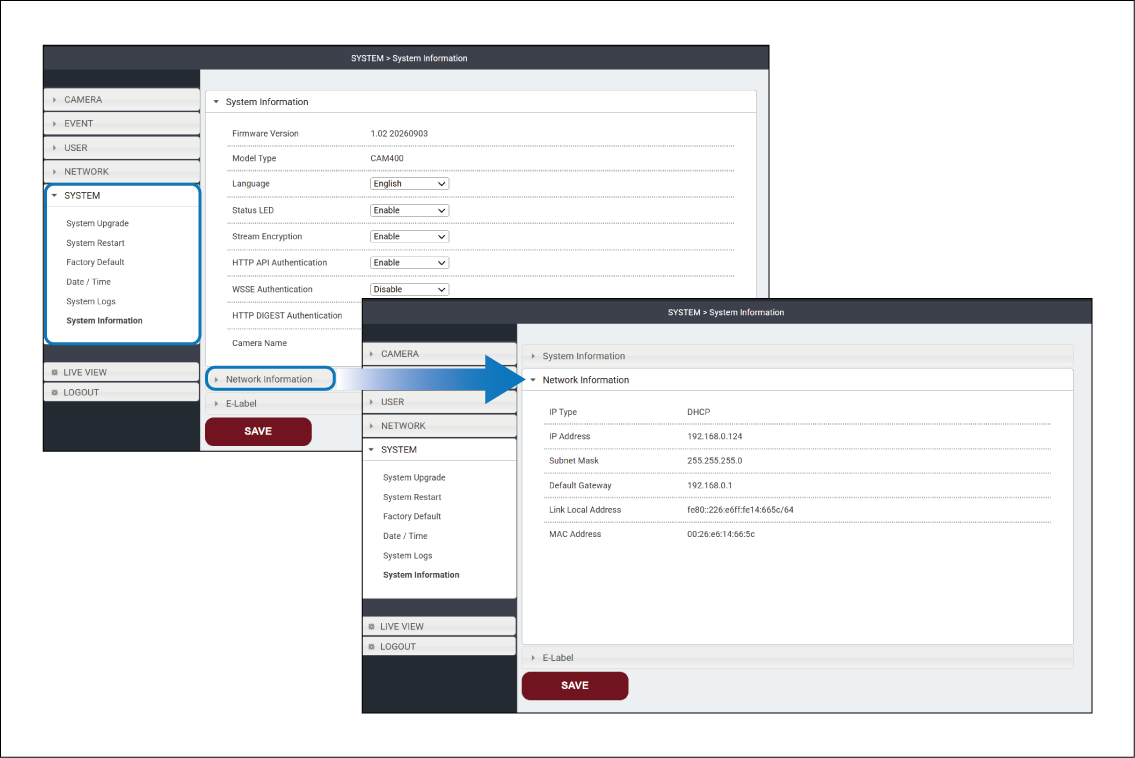
Selecting an item in the Navigation pane opens the top-level page for that section and expands the Navigation pane to reveal the available pages for that section.
Settings pages are also arranged with expandable sections. Selecting a section’s heading will expand the section to reveal its contents and collapse the previously expanded section.