Live view page
The LIVE VIEW page provides the live video feed being received from the camera.
User interfaceLive ViewThe LIVE VIEW page is the default page opened when you log in to the camera’s user interface. It can also be accessed by selecting the LIVE VIEW option from the Navigation pane on the left side of the page.
The LIVE VIEW page includes the following:
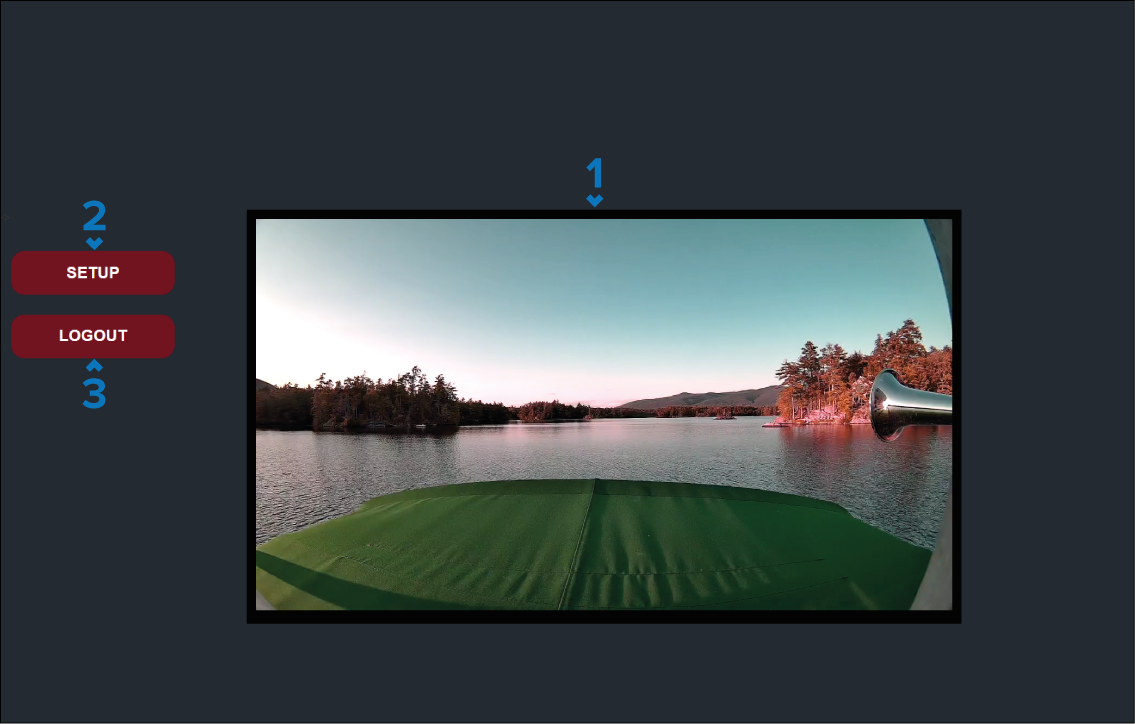
Live view — The live video feed from the camera.
SETUP button — select to view the camera’s settings.
LOGOUT button — select to log out of the user interface.