Waypoint turning
If the Steer to Navigation mode is active, the following Turn to next waypoint pop-up will appear upon reaching the waypoint arrival radius (pilot in track mode) configured on your multifunction display / chartplotter.
Example: Steer to Navigation mode — Turn to next waypoint
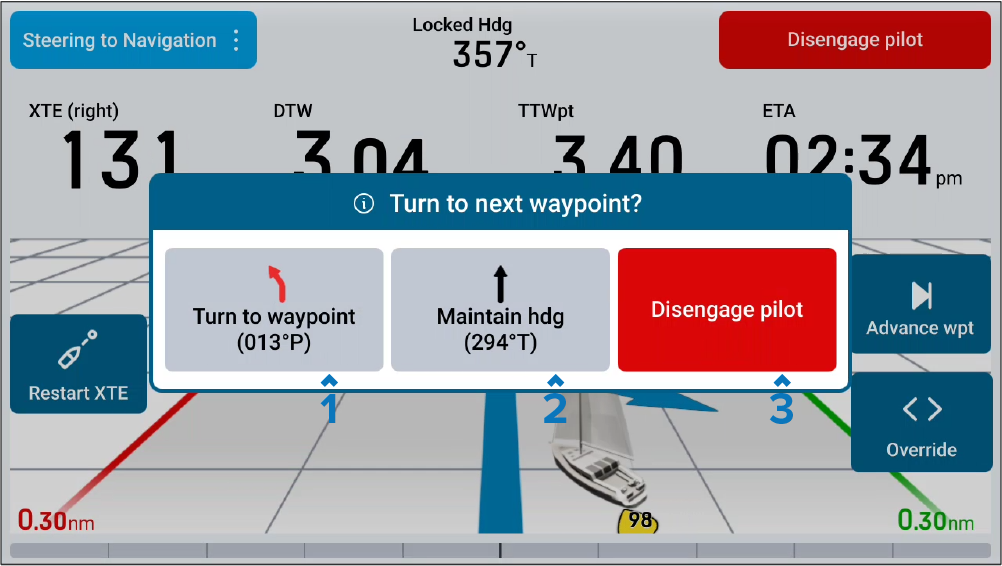
Turn to waypoint — Selecting will advance navigation to the next waypoint in your route.
Maintain heading —Selecting will maintain the current locked heading and active Steer to Heading mode.
Disengage autopilot — Select to disengage the autopilot and prevent your vessel from automatically turning.