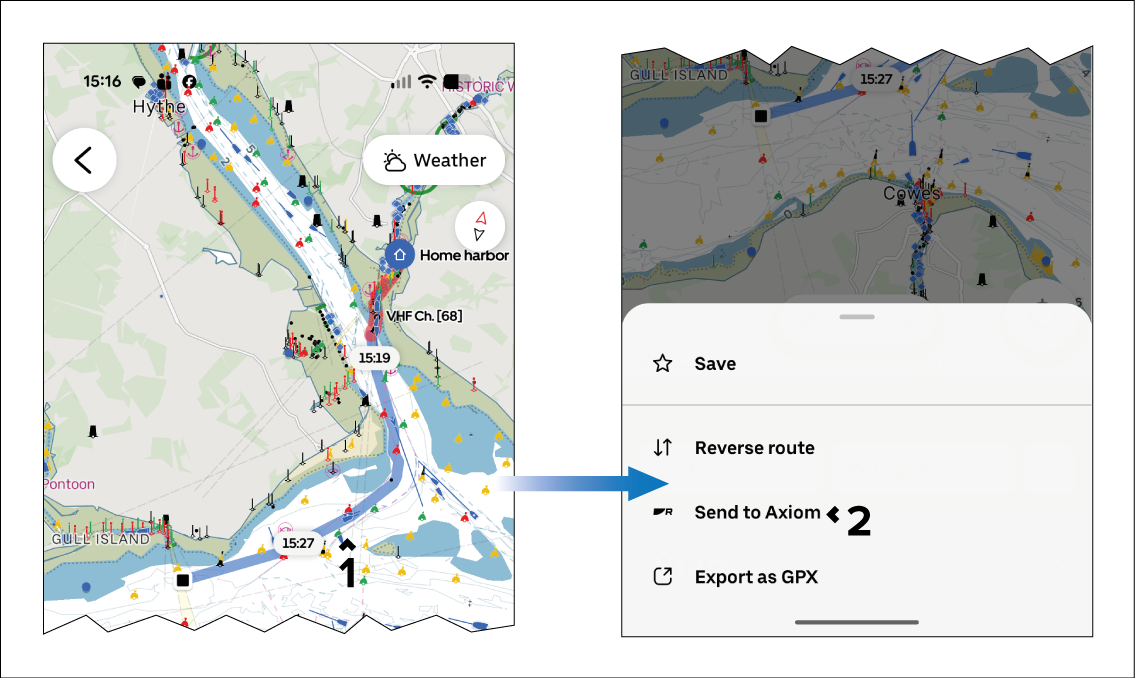
A route that has been created in the Orca app can
be sent wirelessly to a connected MFD / chartplotter.
- Select Spots and Routes from the side
menu.
- Select the “3 dots” menu icon next to the route that you
want to send to the MFD / chartplotter.
- Select Send to Axiom.
If you have connected more than one MFD / chartplotter, you
will be prompted to select the MFD / chartplotter which you want to
send the route to.
- From the MFD / chartplotter, select:
- View route plan to check the route and
ensure that it is safe before following.
- Follow if you are sure that the route is
safe for your vessel to follow.
- Dismiss to close the notification. You
can view and follow the route from the Route list at a later time.