Channels pages
A channel’s current status can be viewed from the Channels pages. The Master module can view all channels including the channels of Remote systems. The Remote module can view the channels of the modules it has connected to it.
Channels pagesChannels pages can be accessed from the menu: .
You can cycle through each module and their channels using the Up and Down buttons.
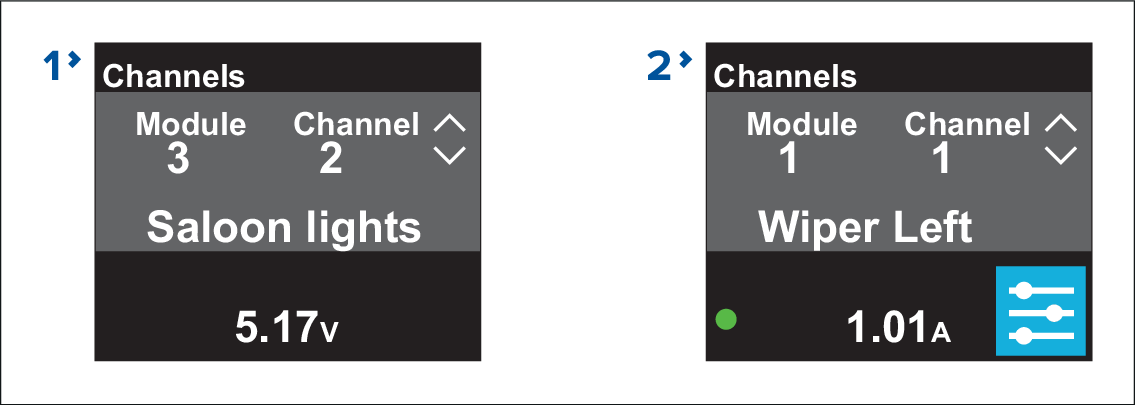
Figure 1. Example input and output channel pages
Input channel pages provide the following information relevant to the channel being viewed:
Module number
Channel number
Channel name
Channel voltage
Output channel pages provide the following information relevant to the channel being viewed:
Module number
Channel number
Channel name
Channel current draw
Channel on/off indicator (Green if channel is on)
Options menu