Alerts
When an alert occurs a notification is displayed on the default page of the Master or Remote module that is directly connected to the module(s) that has channel(s) with active alerts.
Alert notifications
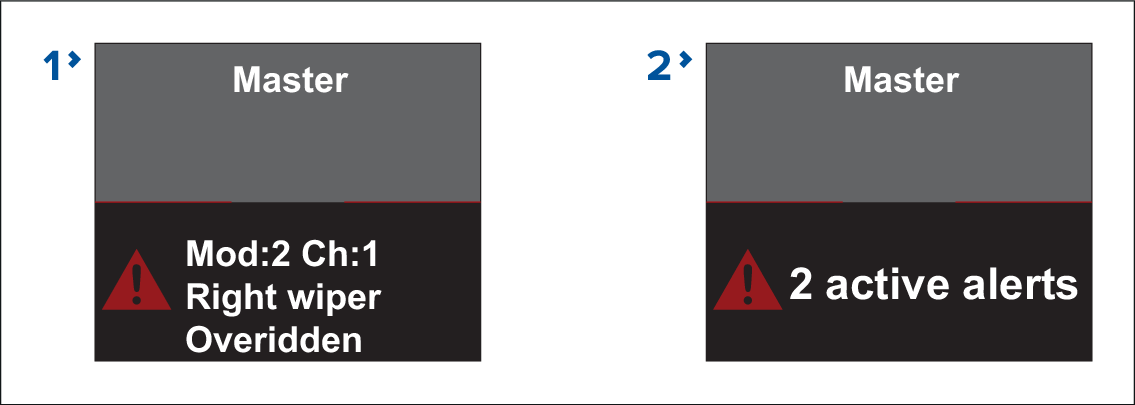
When a single alert is active the screen will identify the module number, channel number and channel name where the alert originated and also the type of alert.
When multiple alerts are active the screen will display the number of active alerts.
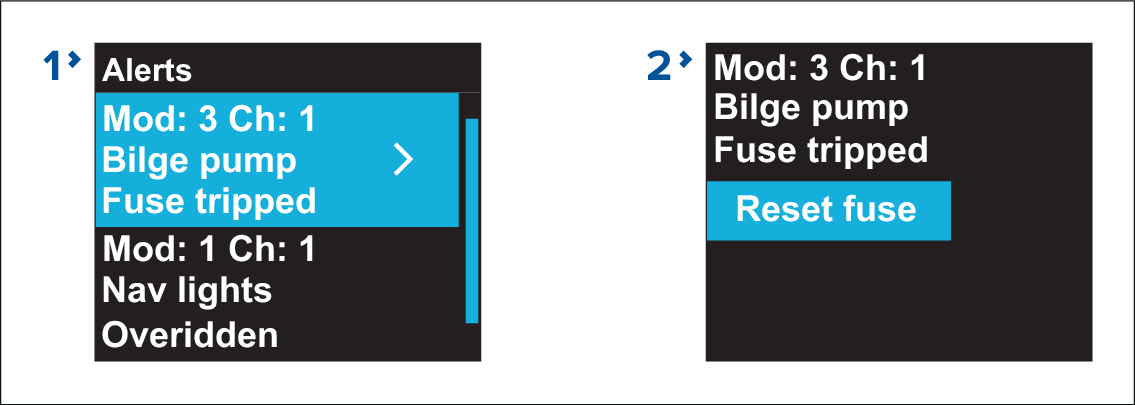
Alerts listA list of all active alerts can be viewed in the alerts list: .
Alerts list
Alert details page
Alert details Cycle through the active alerts using the Up and Down buttons.
Pressing the OK button will display the details page for the highlighted alert.
Pressing the OK button on the alert details page will action the stated option, e.g.: Reset, Exit override etc. and dismiss the active alert.