Page navigation
Data pages are arranged in a horizontal looping carousel.
Data appPage navigation
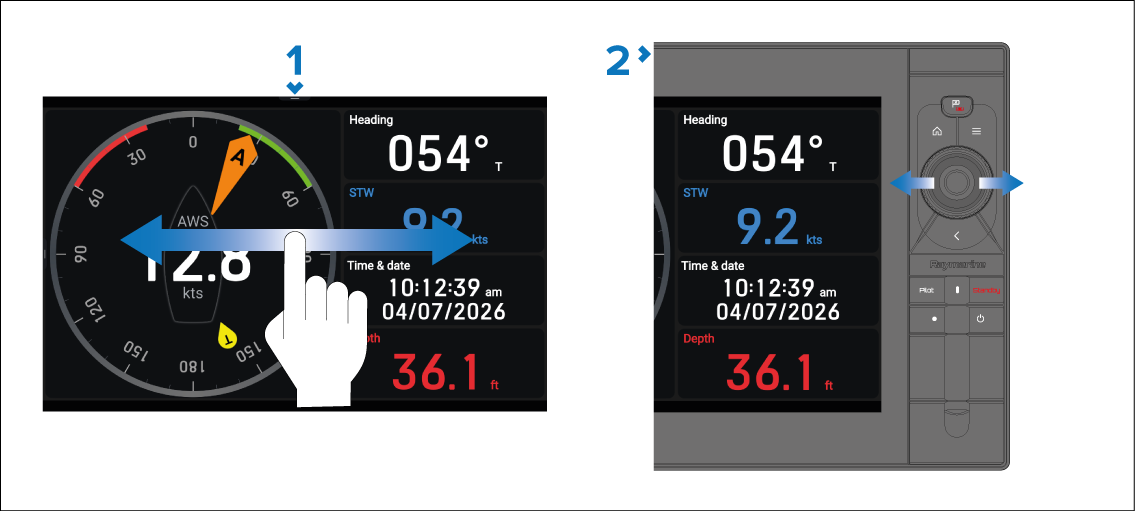
Touchscreen navigation: Swipe left or right across the screen to scroll pages.
Physical button navigation: Use the Left and Right directional buttons to scroll pages.
As you scroll through the pages, a scroll indicator displayed at the bottom of the screen identifies the number of visible pages and the position of the current page in the carousel.

You can also perform a pinch-to-zoom in gesture to open the Pages menu and select a data page to view it.