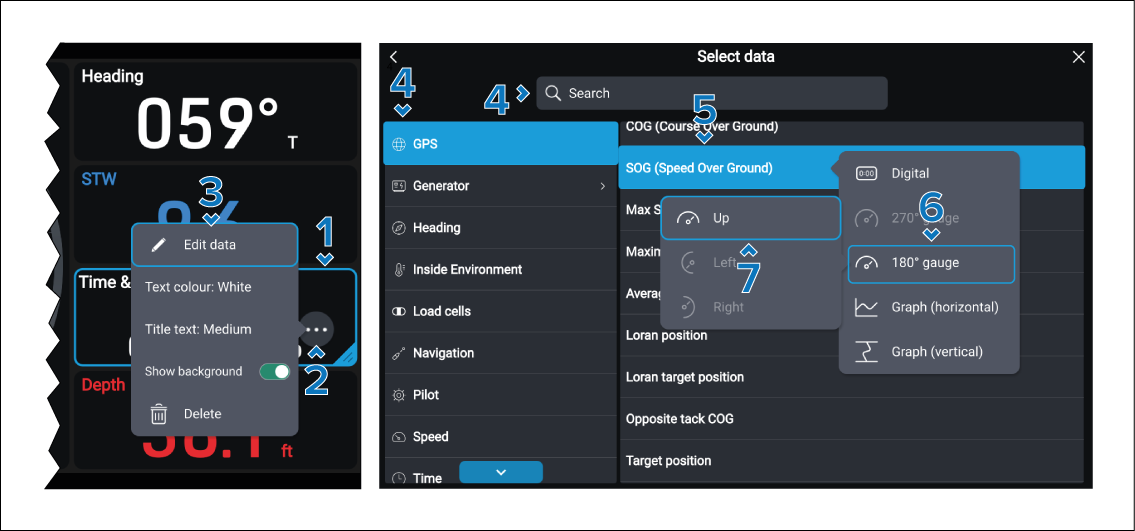
The data items displayed in data pages can be changed.
Data appChanging data itemsFollow the steps below to change a data item:
- Select and hold on the data item you want to change.
Let go when the highlight appears.
- Select the ••• icon to open the pop-over menu.
- Select Edit data.
- Browse, or search for the new data item.
- Select the data item.
- Select the widget type, where applicable.
- Select the widget orientation, where applicable.
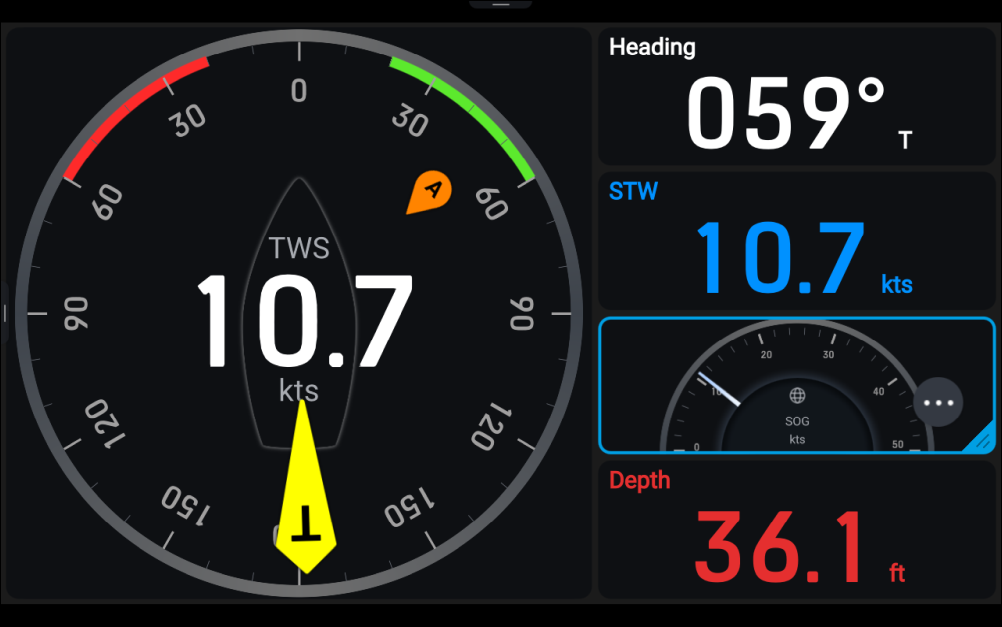
The new data item will now be added to the data page. You
can customize the data item by selecting the ••• icon.