Performing a factory reset via the user interface
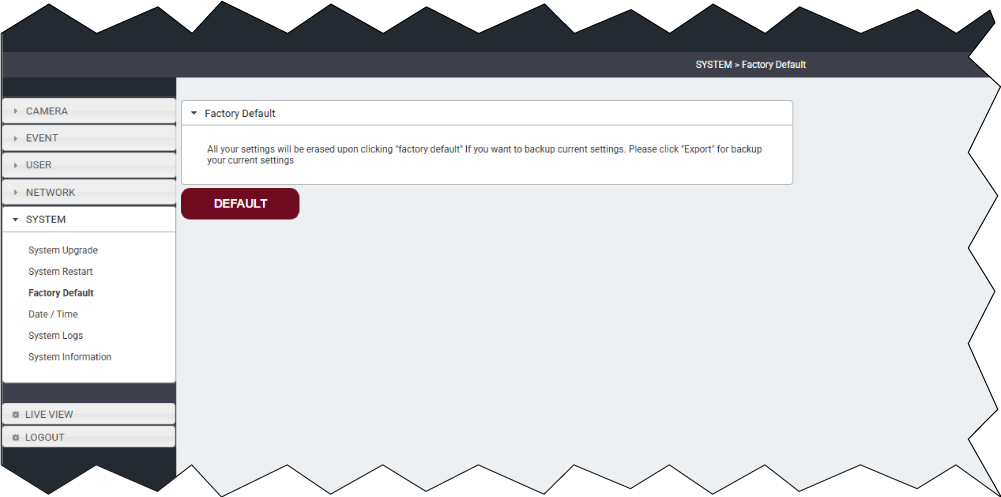
To perform a factory reset via the Web browser user interface:
- Navigate to: .
For information on accessing the camera’s user interface, refer to:
To perform a factory reset via the Web browser user interface:
For information on accessing the camera’s user interface, refer to: