Logging in to the user interface from a web browser
The camera’s user interface can be accessed from a laptop PC or other networked device that has a web browser.
You will need to know the camera’s assigned IP address. For information on discovering the camera’s IP address, refer to: Camera IP address
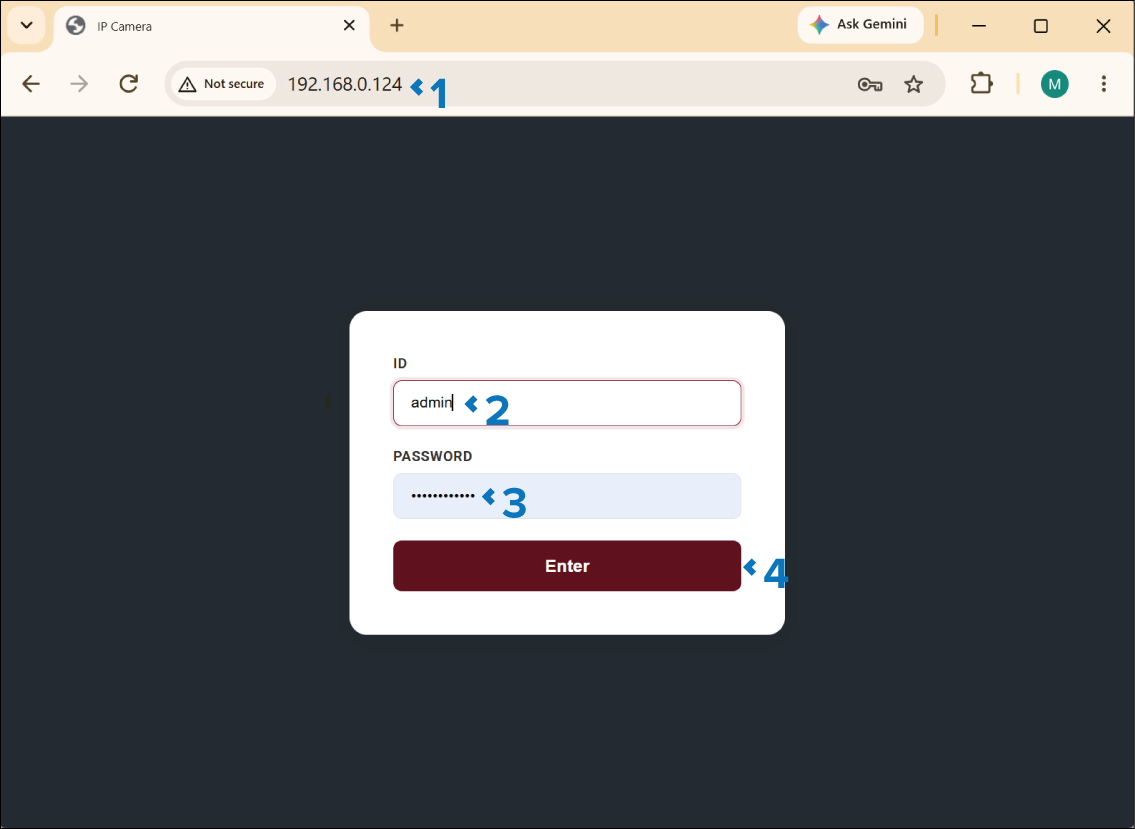
The Live view page is displayed.
For details of the camera’s user interface, refer to: User interface (settings)