Standby image settings
You can set a preset standby image or a custom standby image to display on the performance display’s screen once your boat has entered a stationary position.
The boat is considered to be stationary once both your GPS position and heading have remained unchanged for a 5 minute duration.
This setting will be temporarily disabled if the Autopilot control preset page has been created.
SettingsStandby imagePreset standby image
The following preset images are available:
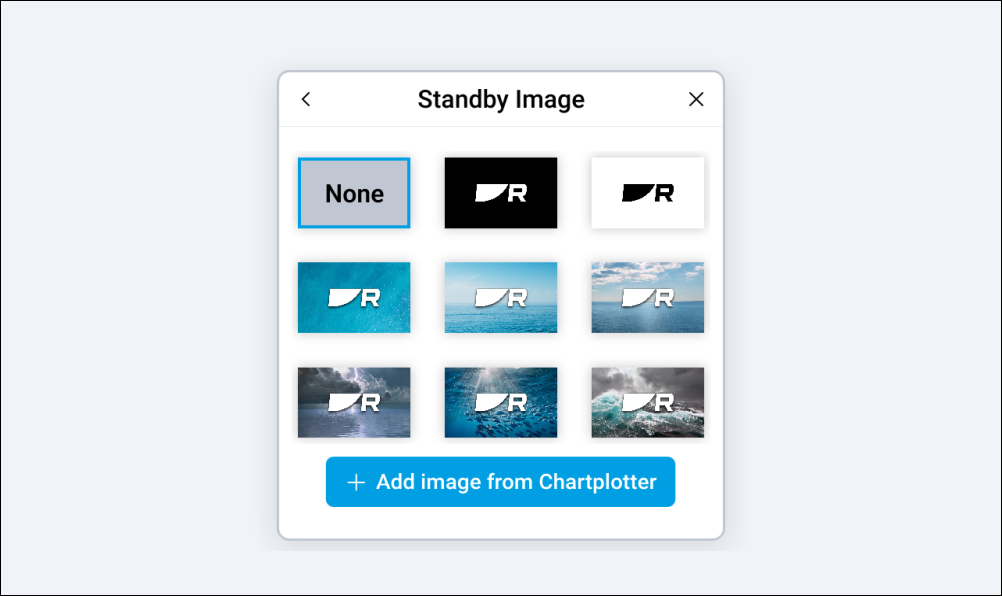
SettingsStandby imageCustom standby image
Alternatively, you can add and set a custom standby image from a compatible multifunction display / chartplotter that is connected to the same network as your performance display.
Before attempting to add a custom standby image, an image file must first be copied to a MicroSD card using an external device (such as a PC or tablet) and then inserted into the MicroSD card slot on your multifunction display / chartplotter.
Your custom image must meet the following requirements:
Custom images must be in the .png format.
You cannot use copyrighted images without permission from the copyright owner.
For optimum image quality, the resolution of the image should match the resolution of your performance display.
Custom images are unique to each performance display and will need to be configured individually.
Performing a factory reset will remove any custom images that have been uploaded to the performance display.
Refer to the following table for a full list of screen resolutions:
Display variant |
Screen resolution / DPI |
|---|---|
Alpha 7 performance display |
|
Alpha 9 performance display |
|