Engaging the autopilot (Steer to Heading)
Note
A compatible sensor providing vessel heading data must be connected to your multifunction display / chartplotter network in order to use the Steer to Heading mode.
To engage your autopilot using the Steer to Heading mode:
- Select Engage pilot.
The following menu will be displayed:
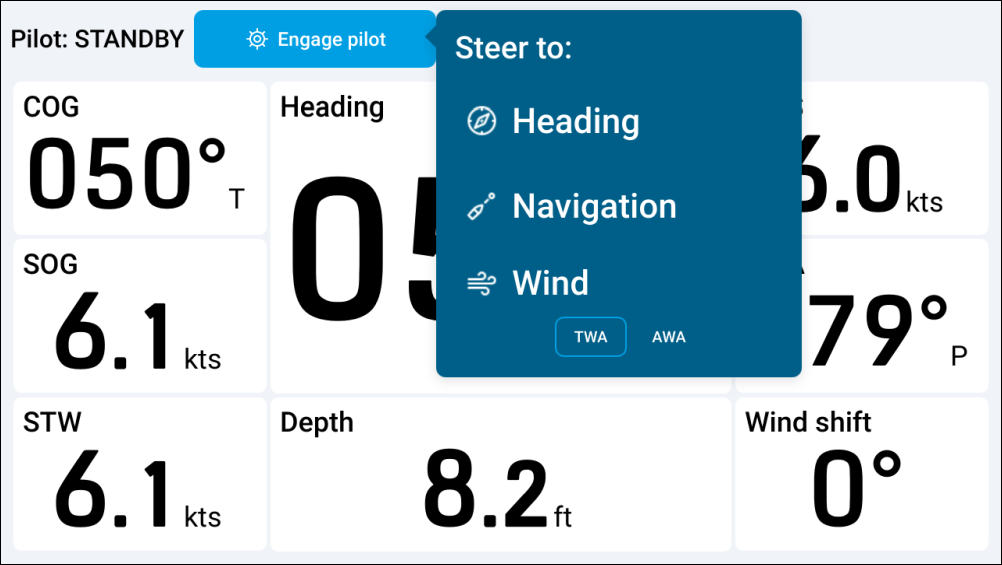
Your autopilot will engage and the Steer to Heading mode will be displayed onscreen. For more information, refer to: Steer to Heading