Sea surface temperature and Surface pressure layers
The Sea surface temperature layer uses color coding to identify water temperature. A legend is available that can be displayed onscreen to aid identification of sea surface temperature. The Surface pressure layer uses standard pressure patterns and Isobars to identify surface pressure.
Weather mode Sea surface temperature layerSurface pressure layer
The legend can be enabled from the main menu: .
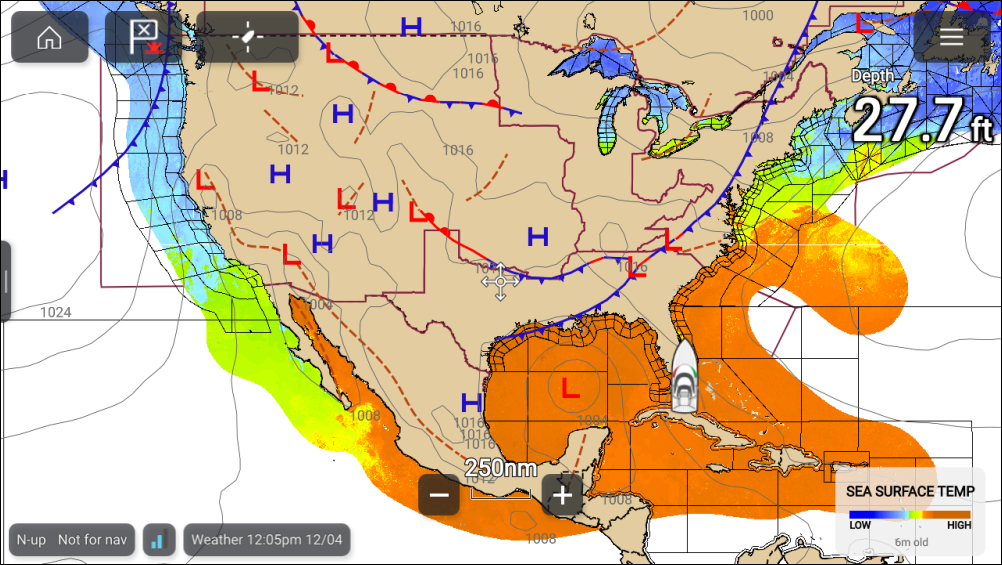
The sea surface temperature layer can be enabled and disabled from the Weather layers menu: .
When the sea surface temperature layer is enabled the transparency of the layer can be adjusted using the Visibility setting: .
The Surface pressure layer can be enabled and disabled from the Weather layers menu: .