Route options
Route options can be accessed from the route plan menu.
Route optionsSelect the “3 dots” icon next to the route name or the Route options button to display the pop-over menu containing the route options.
The following options are available:
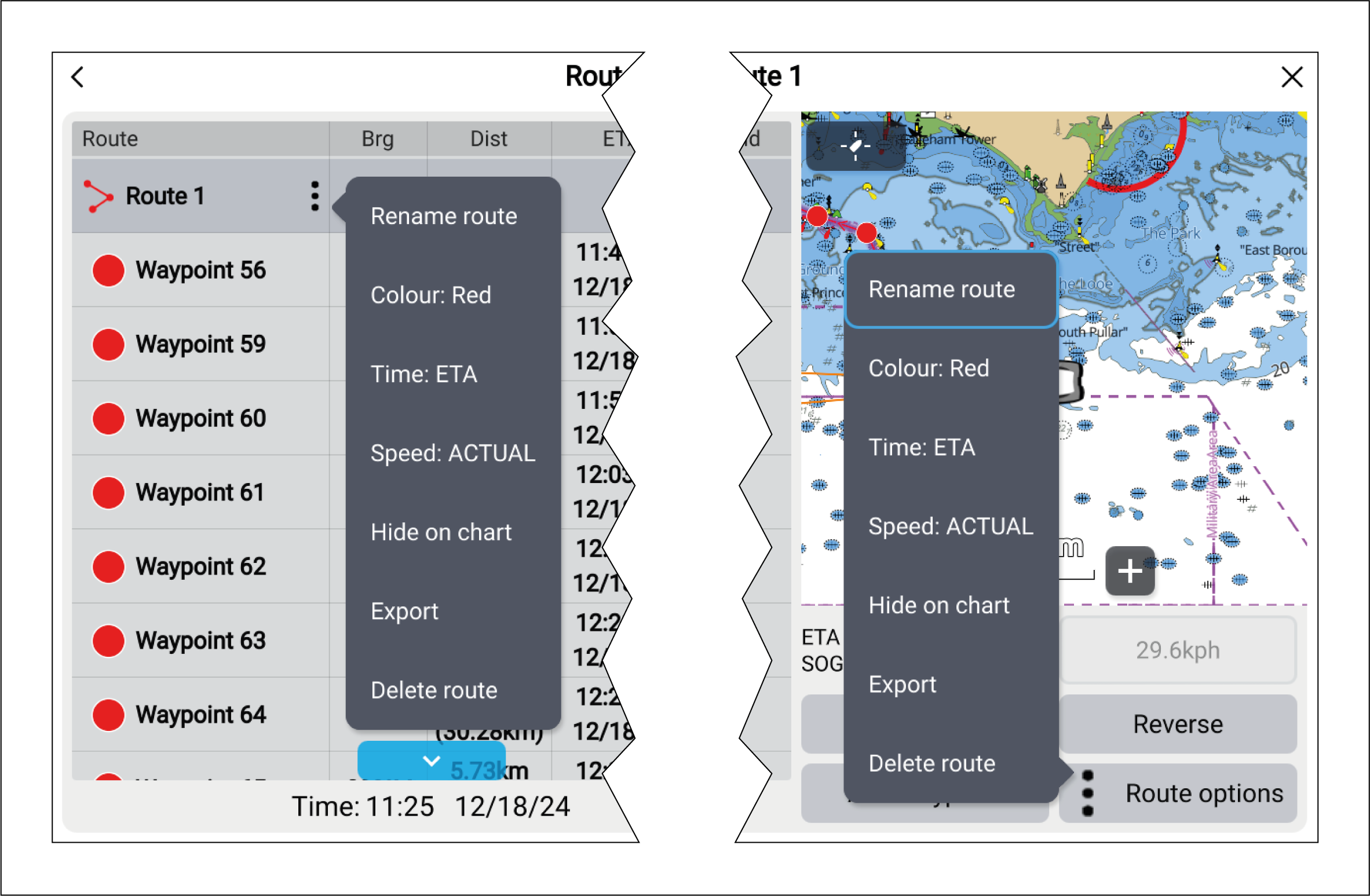
RouteRenameRename route — rename the route.
RouteColorColor — change the color of the route.
RouteTimeTime — switch between ETA (Estimated Time of Arrival) and TTG (Time To Go).
RouteSpeedSpeed — switch between Actual (SOG) and Planned. When the speed is set to planned you can select a desired speed for navigating the route.
RouteHide/showHide/show on chart — hide or show the selected route. When hidden the route will not be displayed in the Chart app but will still be accessible from the Route list.
RouteExportExport — export the route to a memory card.
RouteDeleteDelete route — delete the route.