Deleting a boat system
A boat system can be deleted from the Raymarine app following the steps below:
Deleting a boat
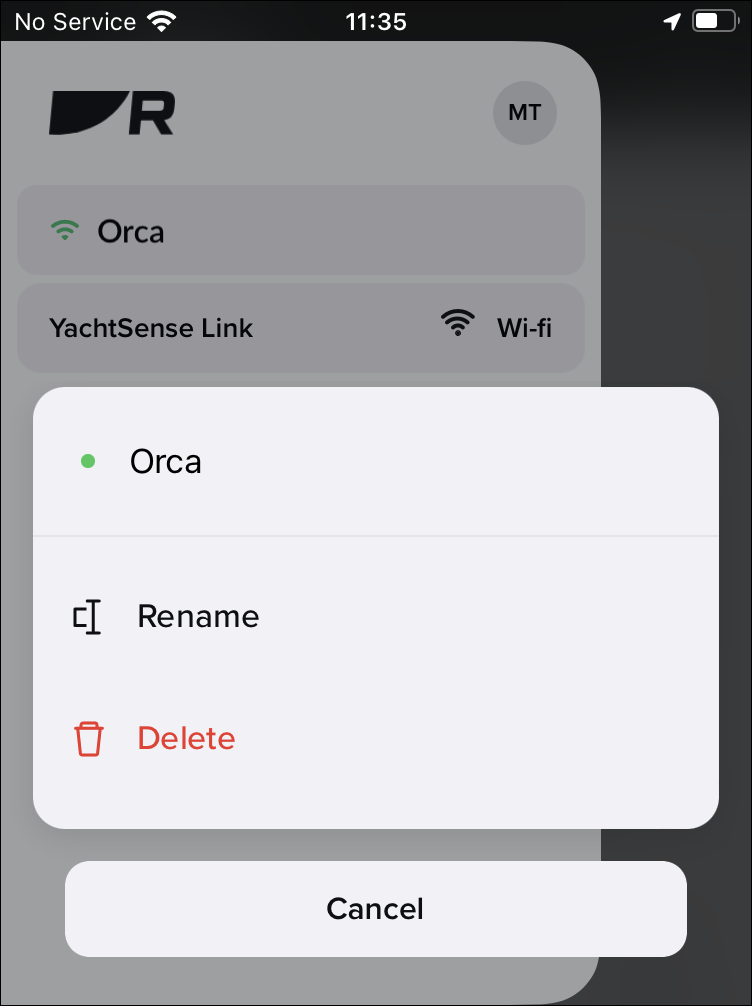
- Select Delete and then confirm the deletion.
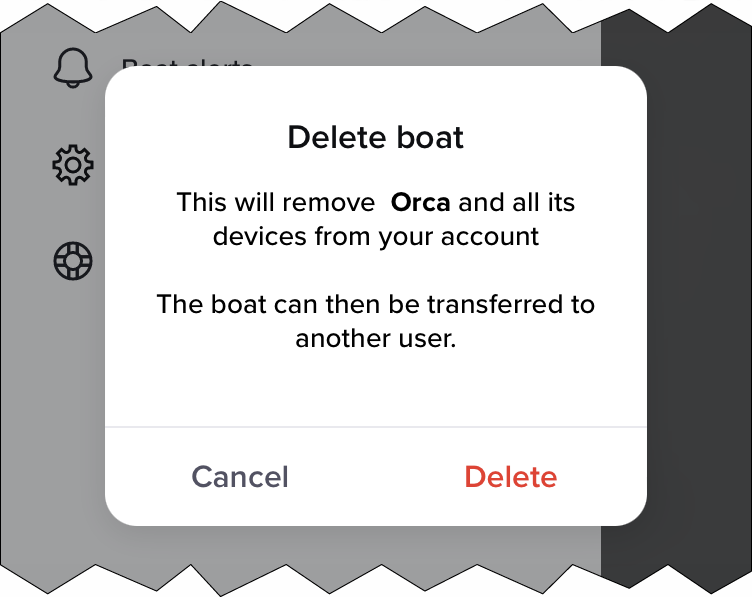
- Select Delete again to confirm.
- Select OK.
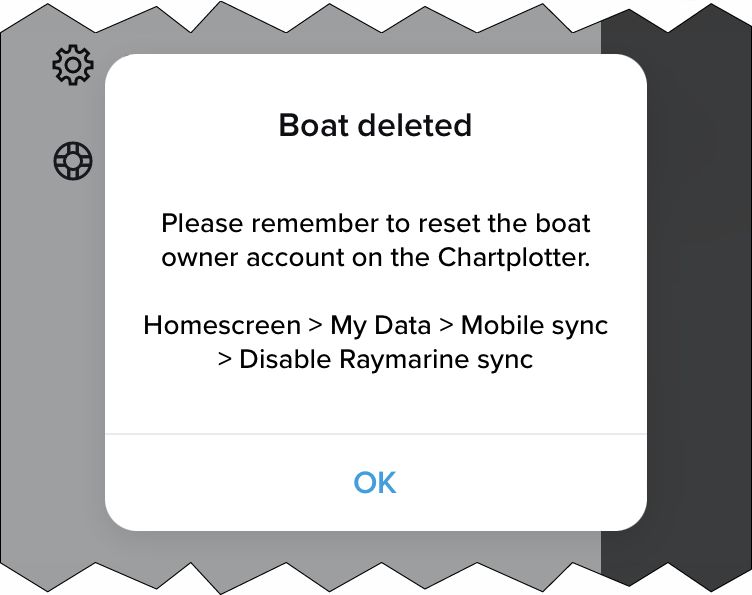
The boat system and all of its devices are now deleted from your app. If the deleted boat system included a YachtSense link router then the router will also be unlinked from your account and can now be linked (onboarded) again to the same account, or to a different account.