Unlinking (Removing) a router

You can remove a YachtSense Link router from a boat system in the Raymarine app by following the steps below.

  1. Select the menu icon located on the left of the screen to open the side menu.
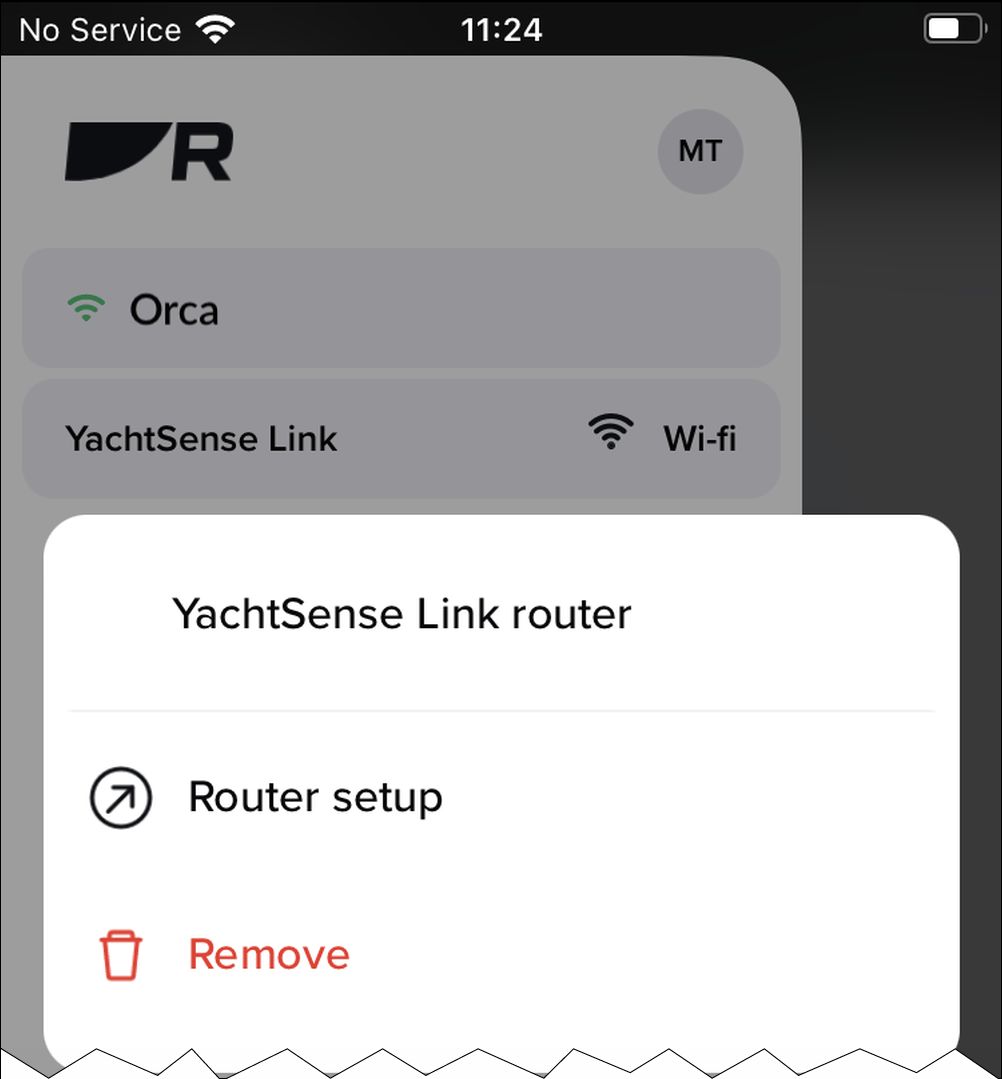
  2. If you have more than one boat system, select the relevant boat system that the router is connected to.
  3. Select the YachtSense Link router.
  4. Select Remove.
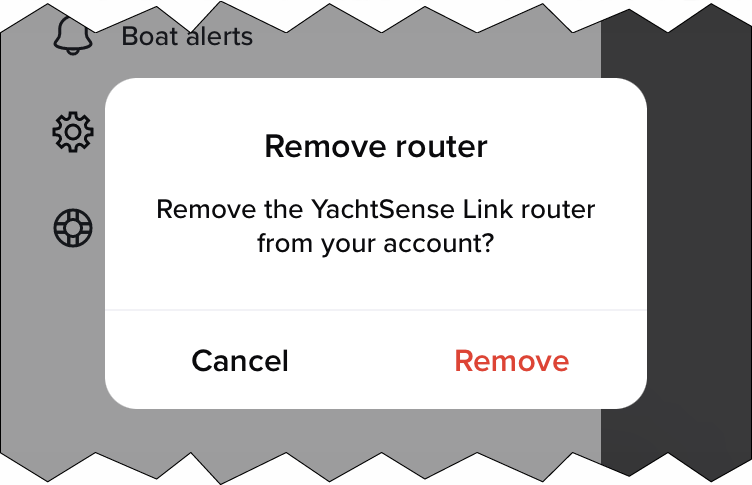
  5. Confirm by selecting Remove.
  6. You must also unsync the MFD from the Raymarine app by accessing the My data menu on your MFD and selecting Mobile sync and Cancel Raymarine app sync.

The router is now removed from the boat system and unlinked from your account. The router can now be linked again to the same account, or to a different account.