Receiving a route
A message notification is displayed onscreen when a route is received.
First responder Receiving a route
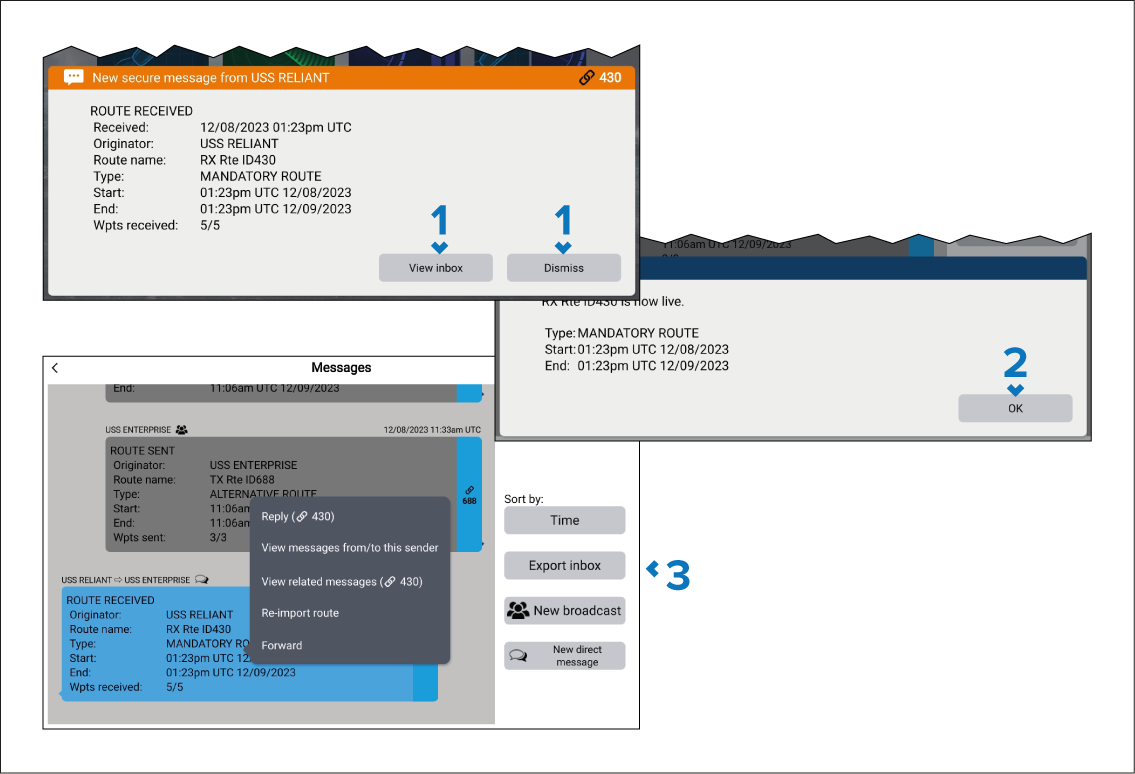
- Selected either Dismiss or View inbox.
- Select OK on the Route received info dialog.
- If you selected View inbox then the Messages inbox will be displayed.
The received route will be available in the Chart app and will be listed in the All routes and Received routes lists.