Adjusting Start time and Expiry time for routes
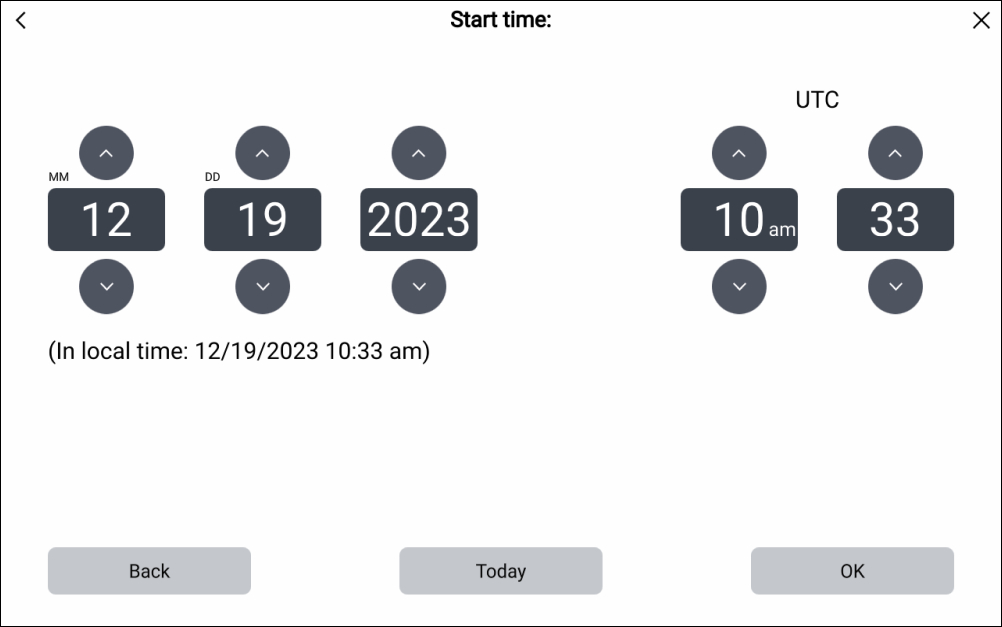
When broadcasting or sending a route via a direct message, the Start time and Expiry time can be adjusted.
By default, the Start time will be the current system data and time.
By default, the Expiry time will be 24 hours later than the current system date and time.
- Select Start time.
- Select Expiry time.
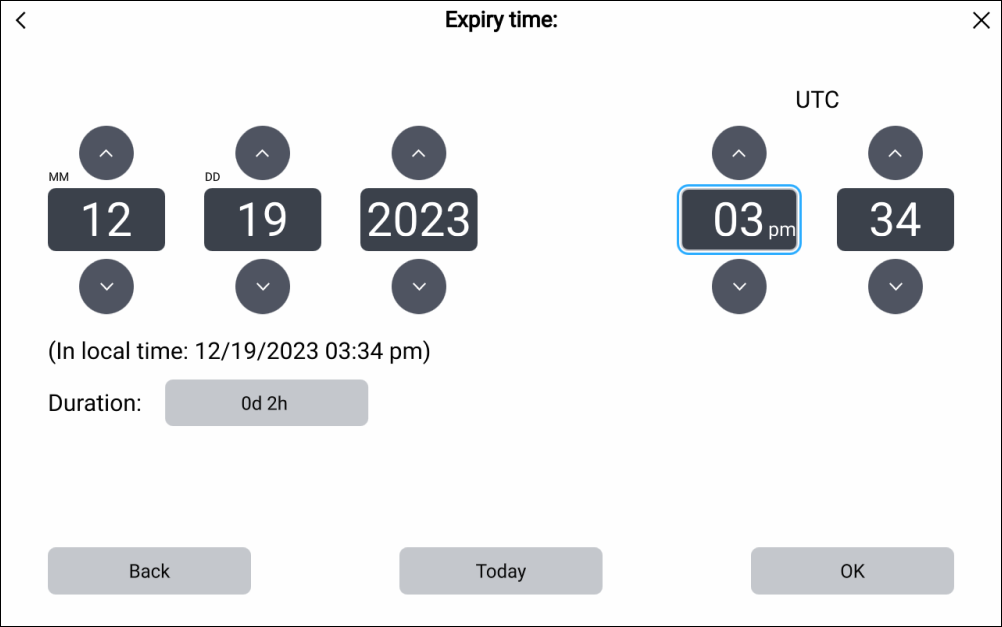
Once the expiry time is reached, “Expired” will be displayed against the Route in the Routes list, for both the sender and recipients of the route.