My data
Selecting My data from the homescreen provides access to user data such as waypoints, routes and tracks. You can also access the fuel manager, file browser and the data import and exports settings.
My dataUser dataData import and export
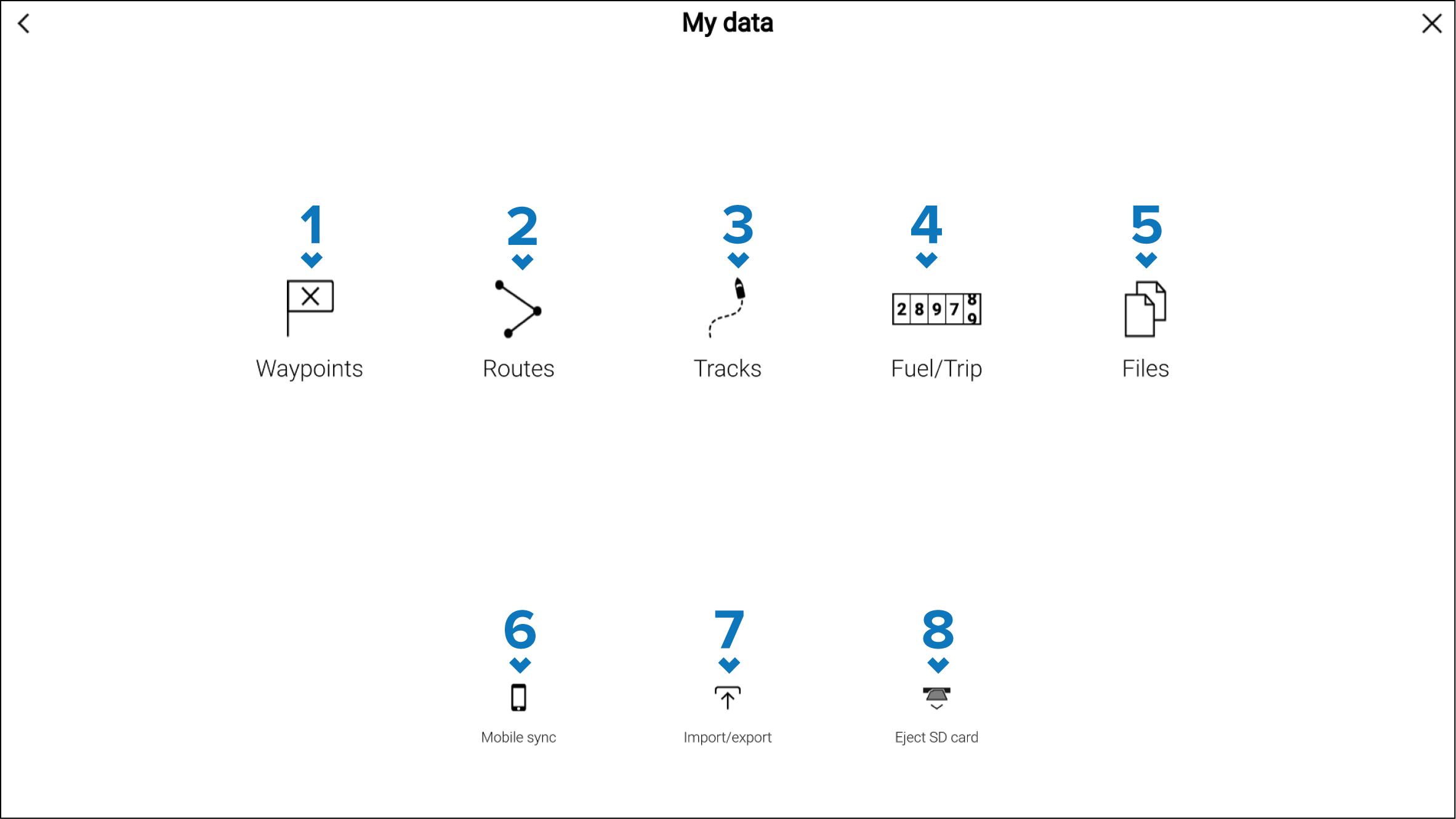
WaypointListWaypoints — Select to access the waypoints list to manage your waypoints.
RouteListRoutes — Select to access the routes list to manage your routes.
TracksListTracks — Select to access the tracks list to manage your tracks.
Fuel managerTripCounterFuel/Trip — Select to access and set up the fuel manager and view trip data.
File browserFiles — Select to access the file browser.
Mobile syncMobile sync — Select to cancel synchronization with the Raymarine app.
Import/exportBackupRestoreImport/export — Select to access back up and restore settings.
Eject SD cardEject SD card — Select before ejecting a memory card to ensure it is removed safely.
MFDs configured with the First responder boating activity include additional options.