Layer / fish type identification
The available layers and fish types are identified by different colors.
Chart Fish mapping Layer identification Fish type identification
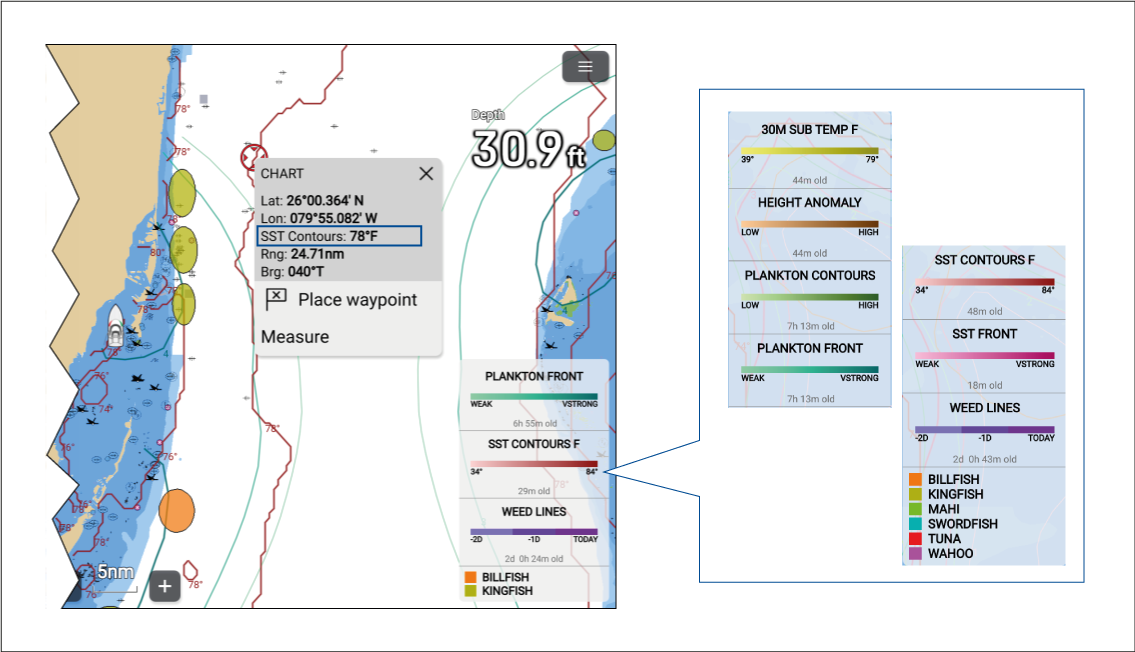
A legend identifying which layers and fish types are currently enabled can be displayed onscreen using the Show Legend option from the Chart app menu. When several layers/fish types are enabled, you can scroll the legend to see all enabled items.
Layers and fish types can also be selected in the Chart app, and the context menu will identify which layer or fish type has been selected.