High Speed Alarm
A High speed alarm is available which will trigger a warning alarm when the reported SOG (Speed Over Ground) exceeds the specified threshold. The High speed alarm uses SOG reported by a connected GNSS (GPS) receiver.
Alarms High speed alarm
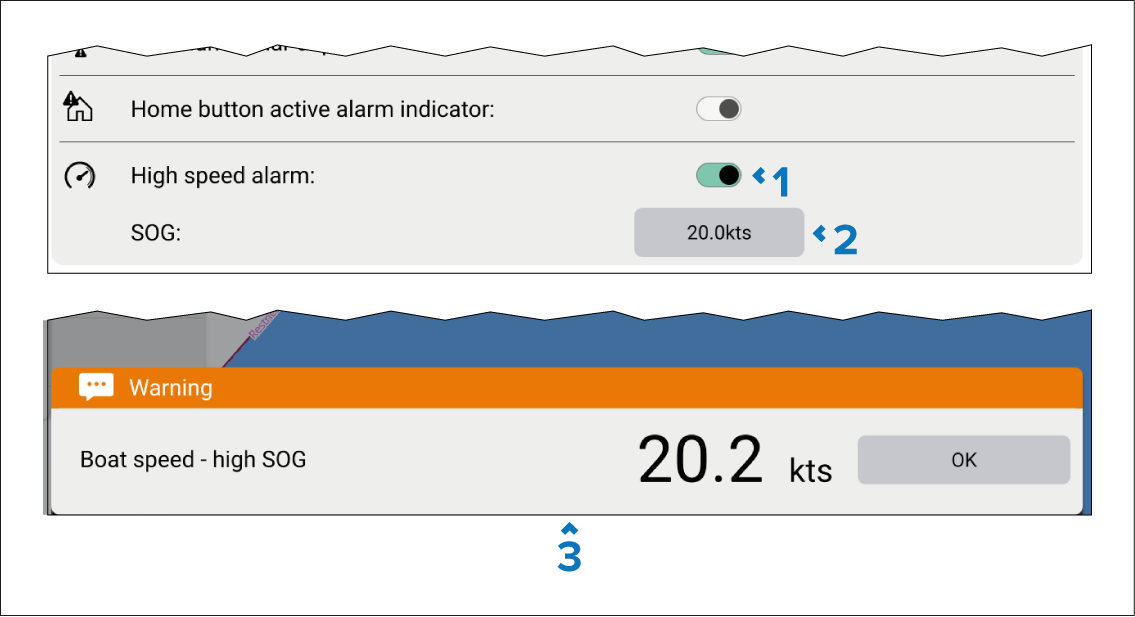
Use the High speed alarm toggle switch located in the Alarms settings menu to enable or disable the High speed alarm. The alarm is disabled by default.
Set a SOG threshold. When SOG exceeds this value the High speed alarm is triggered.
High speed alarm warning notification. The notification and audible beep will persist until acknowledged or until SOG drops below the specified threshold.