Moving (dragging) the context menu
In the Radar app the context menu can be moved.
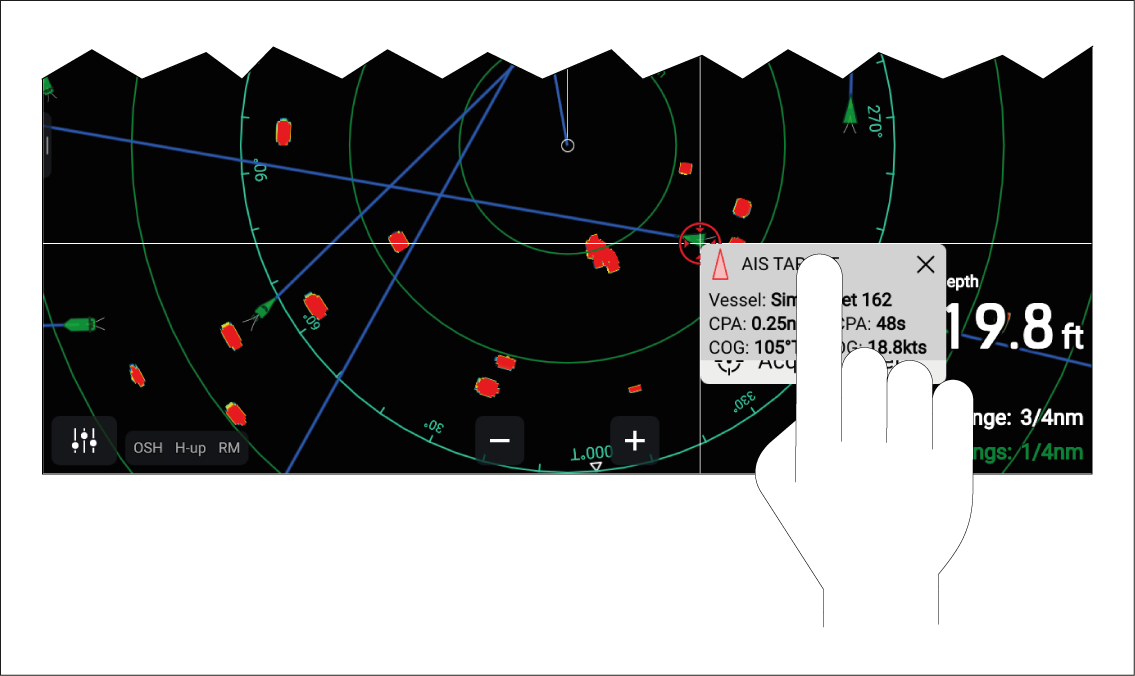
- In the Radar app, tap the screen to display the context menu.
- Tap and hold on the context menu header.
- Drag your finger to a new location or object.
- When you remove your finger, the context menu will remain in position.
As the context menu is moved across the screen, the context menu details displayed in the top left corner of the context menu are updated to reflect the new location or current target tracked under the cursor position.