XTE data item
The XTE (Cross Track Error) data item can be displayed in the Sidebar, Dashboard app and in Data overlays. The XTE data item includes the current XTE value, an indication of whether the XTE is to the left or right of the original track, and which way you need to steer to return to the original track.
Cross Track ErrorData itemXTEData itemWhen your XTE passes 2 m (6.5 ft), the title of the XTE data item updates to specify which side of the track you are on.
When your XTE passes 7.5 m (24.6 ft), arrows will be displayed, indicating which way you need to steer to return to the original track.
Examples
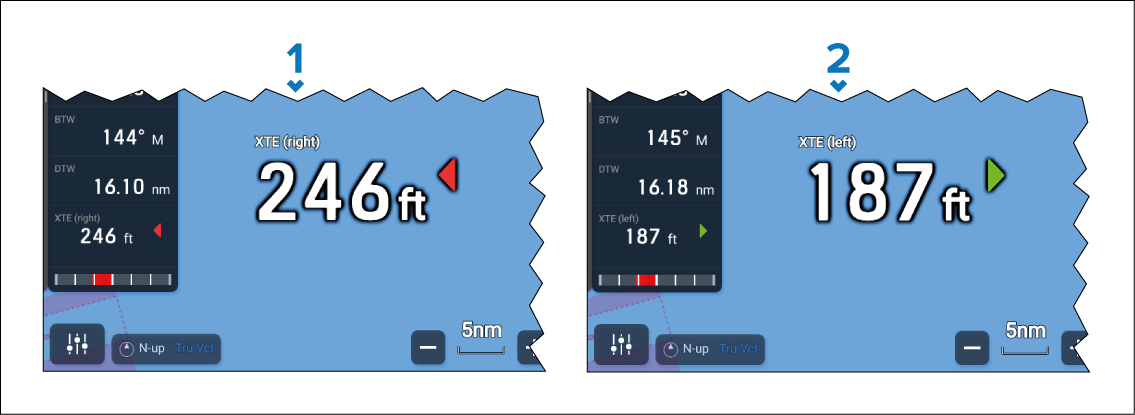
Vessel is to the right of the original track, and needs to steer to port to return to the track.
Vessel is to the left of the original track, and needs to steer to starboard to return to the track.