Calibrating tanks
When displaying tank levels on your MFD it’s important to ensure the levels are correctly calibrated. Failure to do so may result in inaccurate level readings.
Tanks Calibration
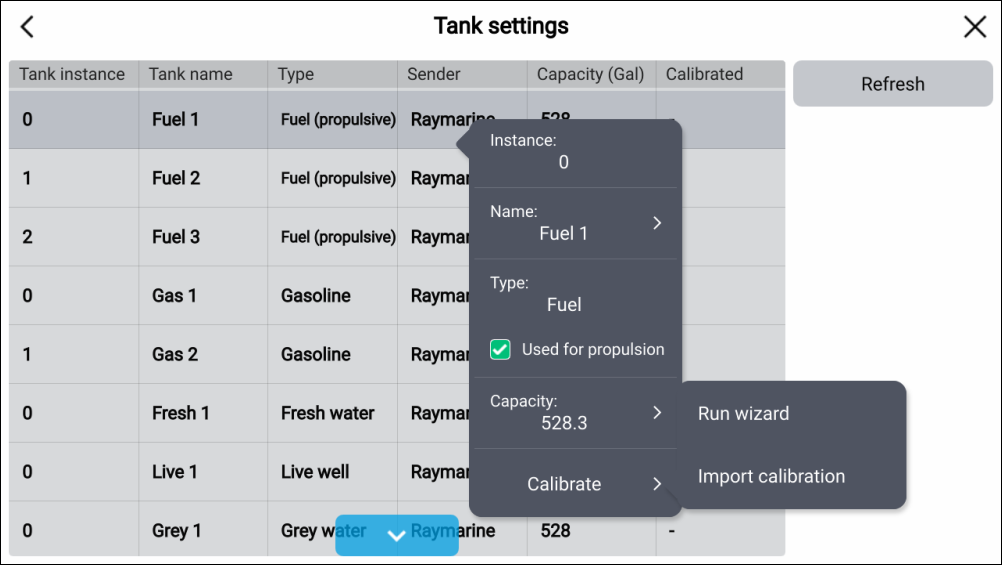
Tanks can be calibrated and edited on the Boat details settings menu: .
Tanks can
be calibrated with the following Oceanic Systems tank senders:
3271 Volumetric Fuel Sender
3281 Water Level Senders
3125 Tank Sender Adapter
4291 Tank Level Adapter
Note
Ensure tanks are empty before calibration.
Completing calibration will overwrite any existing calibration already recorded.
From the Boat details menu: