CZone plug and play
Digital switching pages for CZone® digital switching systems can be set up automatically in the Dashboard app using the CZone plug and play wizard.
CZone plug and play
The Plug and play process requires a display interface to be present in the CZone configuration file for Raymarine MFDs.
Only 1 display interface dipswitch number must be used to represent all Raymarine MFDs in the system.
If the CZone configuration file contains only 1 display interface then the MFD will automatically select that assigned display interface dipswitch number.
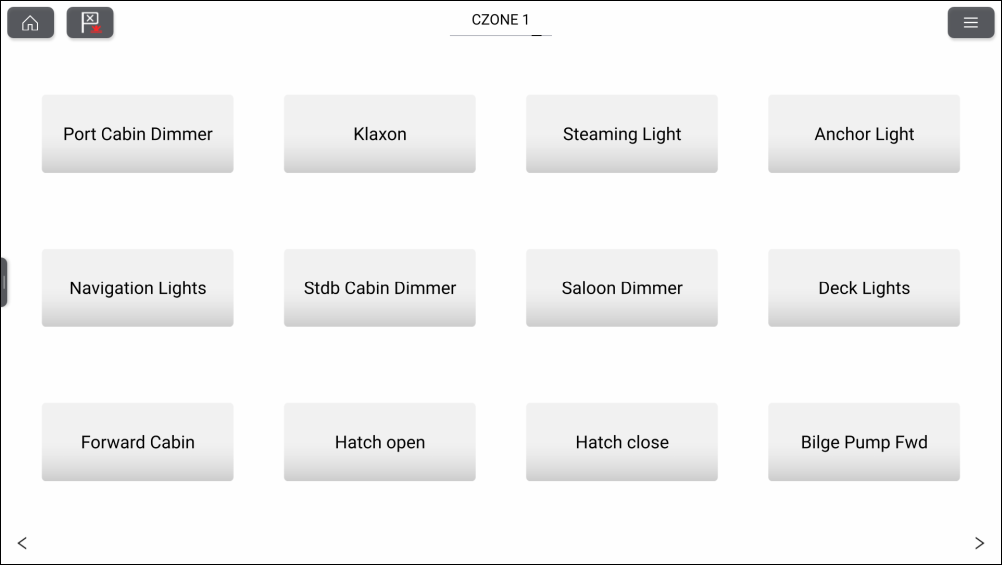
Once the CZone plug and play wizard is completed successfully you will have access to all of the programmed circuits via the Dashboard app.
The wizard will create pages with up to 12 buttons per page (4 x 3), with a maximum number of 120 buttons. The buttons will be created in the circuit ID order from the configuration file.
Splitscreen page configurations are supported with 12 buttons per page (2 x 6).