Homescreen app page creation
New app pages can be added to the Homescreen.
HomescreenApp pages
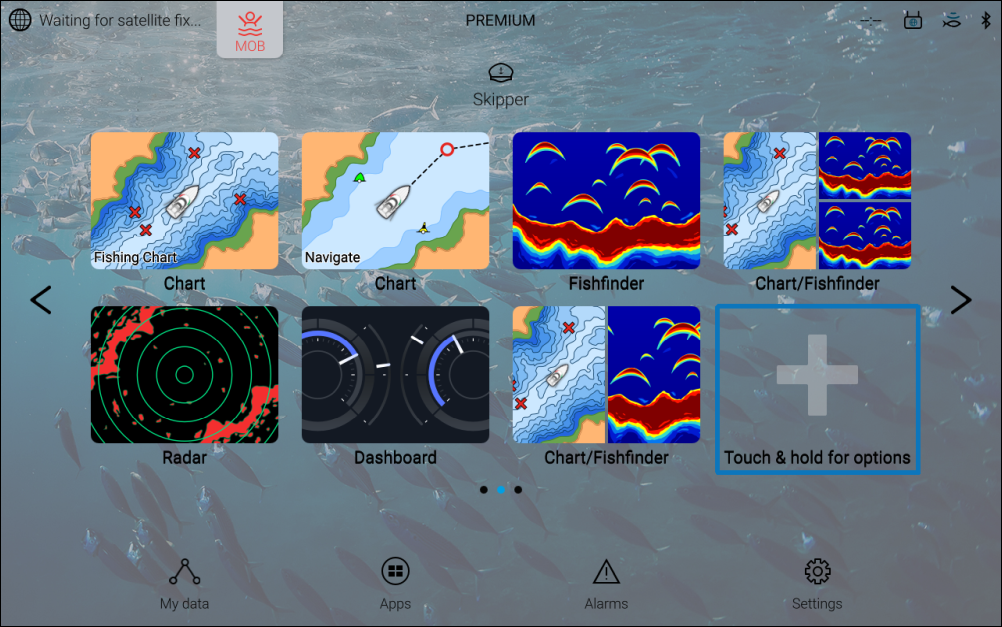
Initially the Homescreen will include a plus + icon. Pressing and holding on the icon will open the Customize this app page menu, where new app pages can be created.
Once a new app page has been created the plus + icon will be removed from the Homescreen. Subsequent new pages can be created by pressing and holding on an empty slot on the Homescreen.
You may need to change the Homescreen page using the Left and Right arrows to find an available empty slot.
If no empty slot is available you can change an existing app page by selecting and holding on the app page icon and selecting Customize from the Popover menu.