Adjusting brightness
The chartplotters screen brightness can be adjusted.
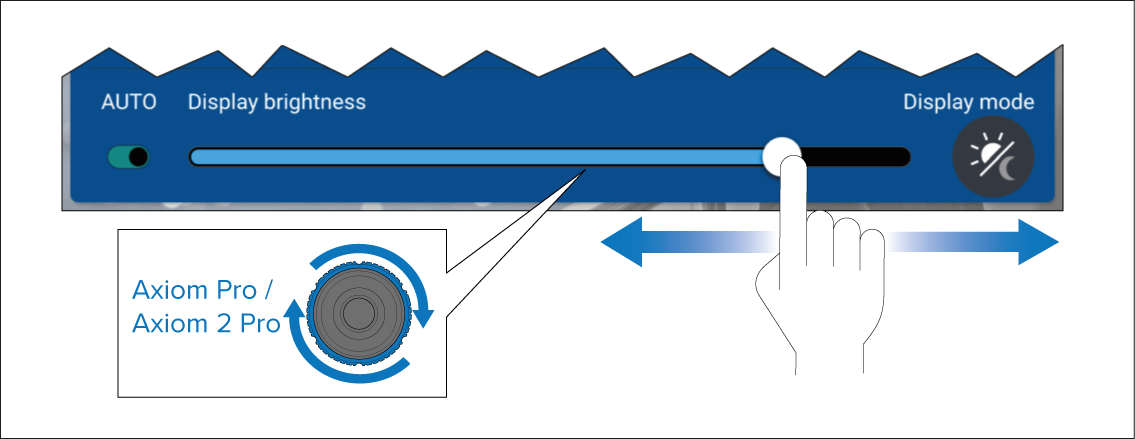
With the Shortcuts menu displayed:
Use your finger to move the Display brightness control along the slider bar to adjust the brightness level.
On chartplotters with physical keys you can also twist the uni–controller to adjust the brightness level.
When the Shortcuts menu is displayed, you can also use the physical Power key or the Power swipe area to increase the brightness level in increments.