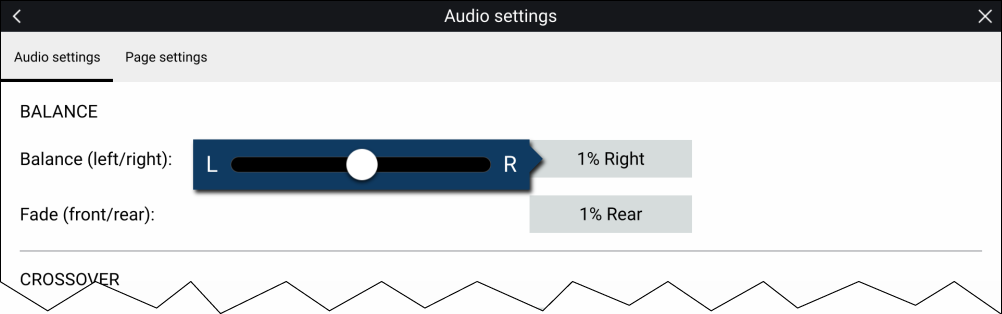
Adjusting balance and fade controls
- Place your finger on the White marker and then slide it
left or right to adjust the setting the required value, alternatively
use a Rotary controller to adjust the setting the
required value.
Note
The fader control will only be displayed for systems that support fading..