Adjusting multi-zone controls
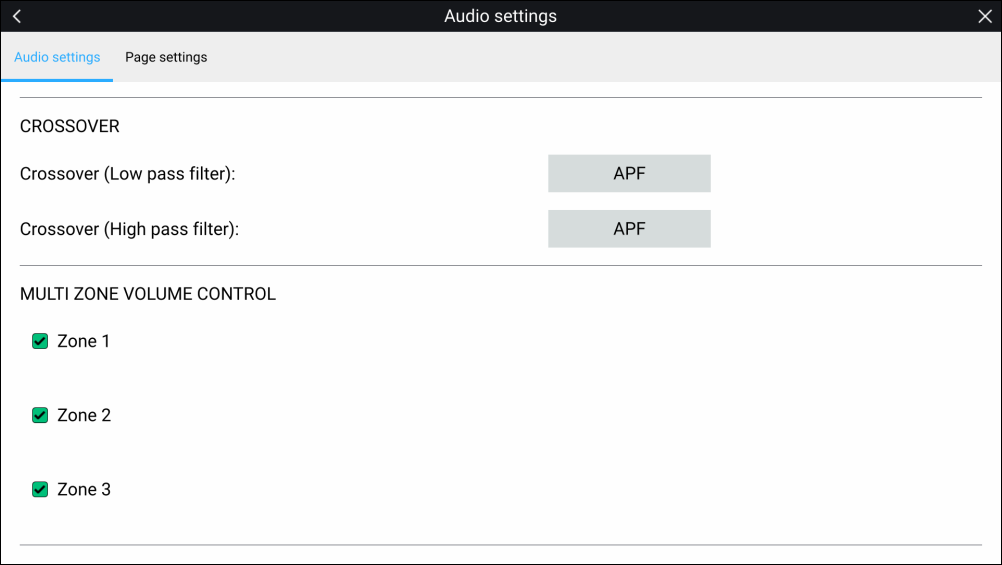
When supported by the entertainment system the audio app can be configured to control the volume of multiple zones simultaneously.
- Select the zones you want to include in Multi-zone volume
control.
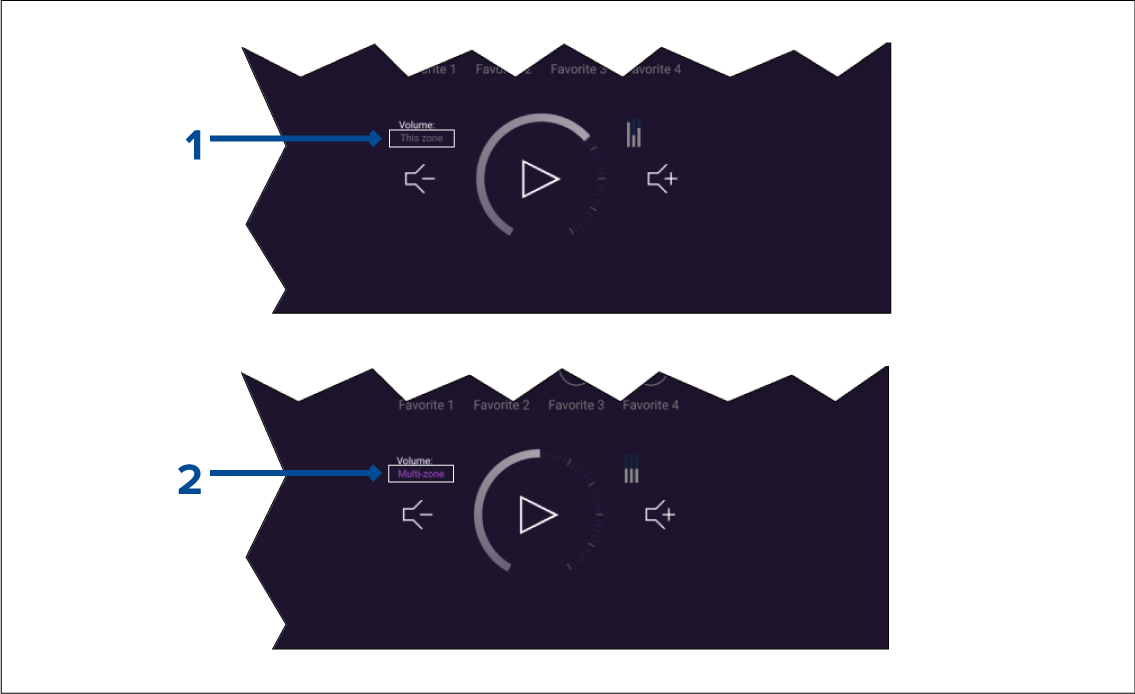
To enable multi-zone control select the text ‘This zone’.
To disable multi-zone control select the text ‘Multi-zone’.