Active alarm indication
When alarms are active the homescreen Alarms icon will identify the number of active alarms in the top right corner. The Home icon in app pages can also be configured to provide an active alarm indicator.
Alarms manager active alarm indicationThe app pages home icon indicator can be enabled and disabled from the alarms manager: .
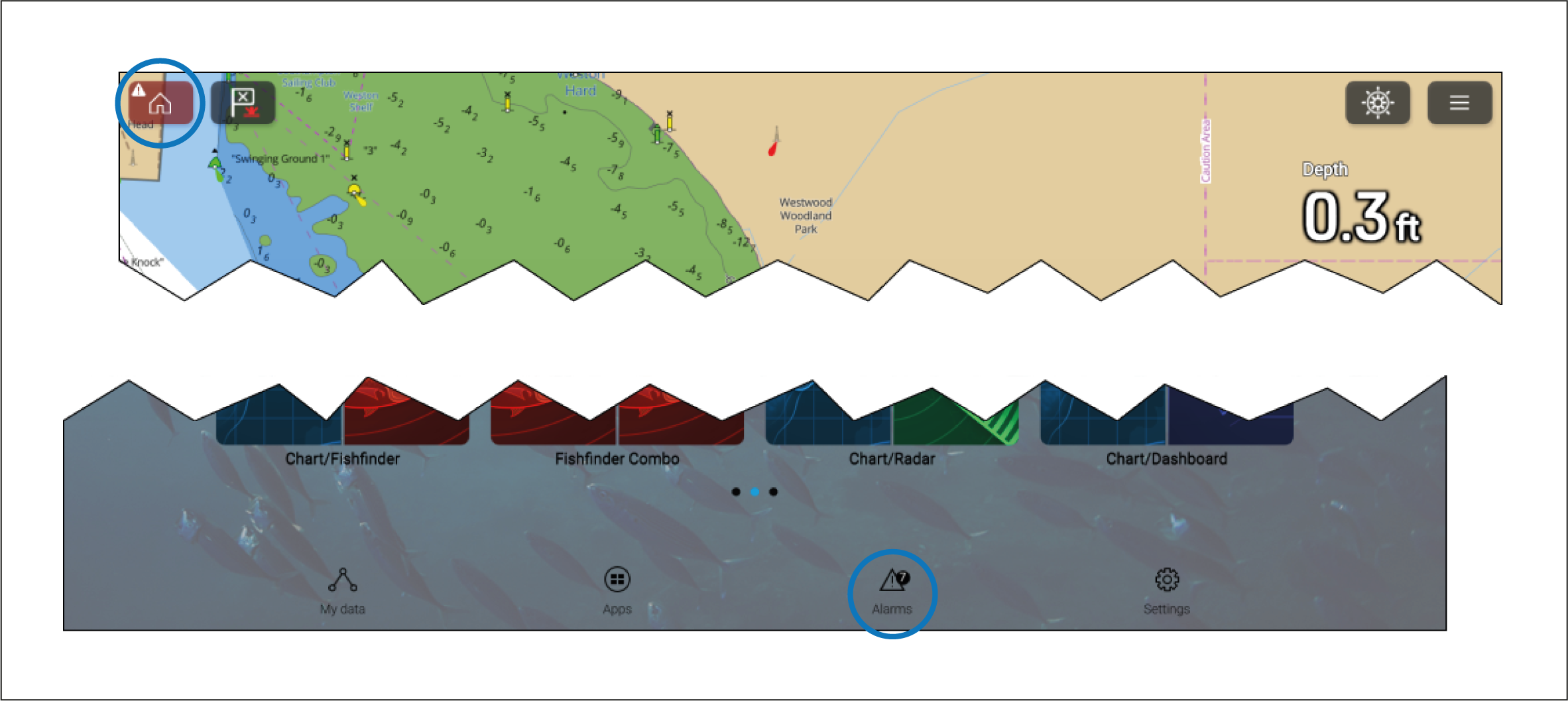
When enabled the Home icon will turn red and have an exclamation mark placed inside it.
The homescreen Alarms icon will identify the number of active alarms.