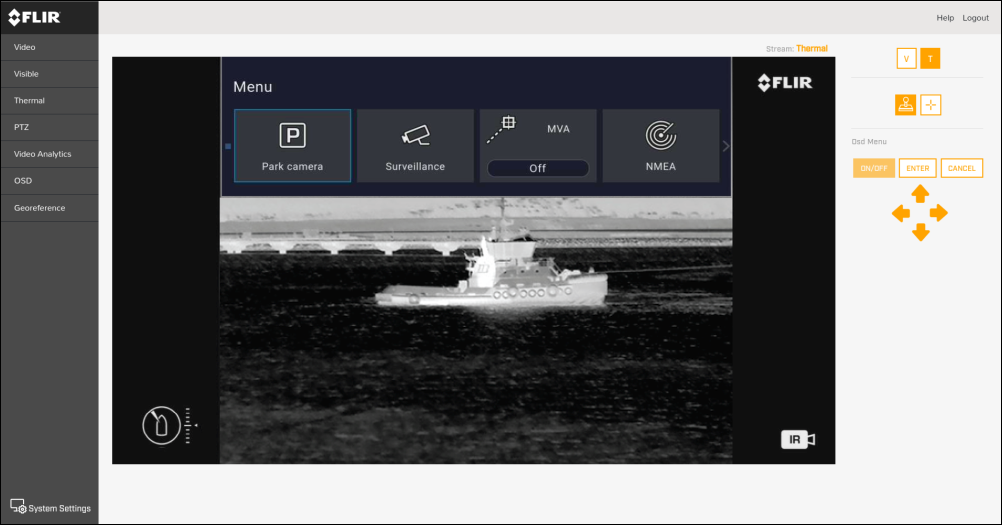
Video feed
From the top-right menu you can:
Change between the visible-light and thermal streams using the V and T icons.
Change the camera movement control settings between 2 main modes of operation:
Joystick — select the on-screen “Joystick” icon, and then use the on-screen “directional arrow” controls to pan or tilt the camera in that direction continuously; this will continue until the on-screen cursor is disengaged.
Cross — select the on-screen “cross hairs” icon, and then use the on-screen “directional arrow” controls to center the image at the selected position.
The icons displayed above the on-screen “directional arrow” controls enable you to change the camera’s OSD (On-Screen Display) Main Menu settings:
Select the ON / OFF button to turn the OSD Main Menu on or off.
Select the Directional arrows to navigate between each menu selection.
Select the ENTER button to confirm your selection.
Select CANCEL to exit the current menu.