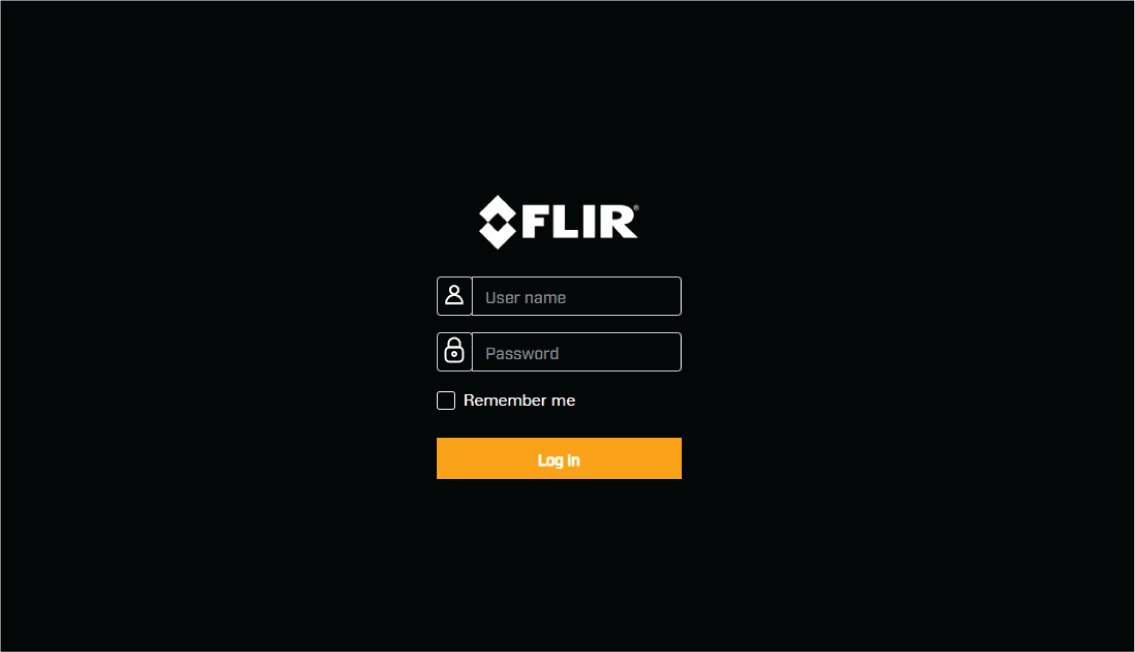
Logging in to the Web browser user interface
If your product was:
Originally obtained running a software version earlier than v2.00-67:
You can log in to the Web interface using the User Name admin and Password admin.
If your product was:
Originally obtained running software version v2.00-67 or later:
You can log in to the Web interface using the User Name admin and the unique Password located on the serial number label supplied in the box and / or on the underside of your product:
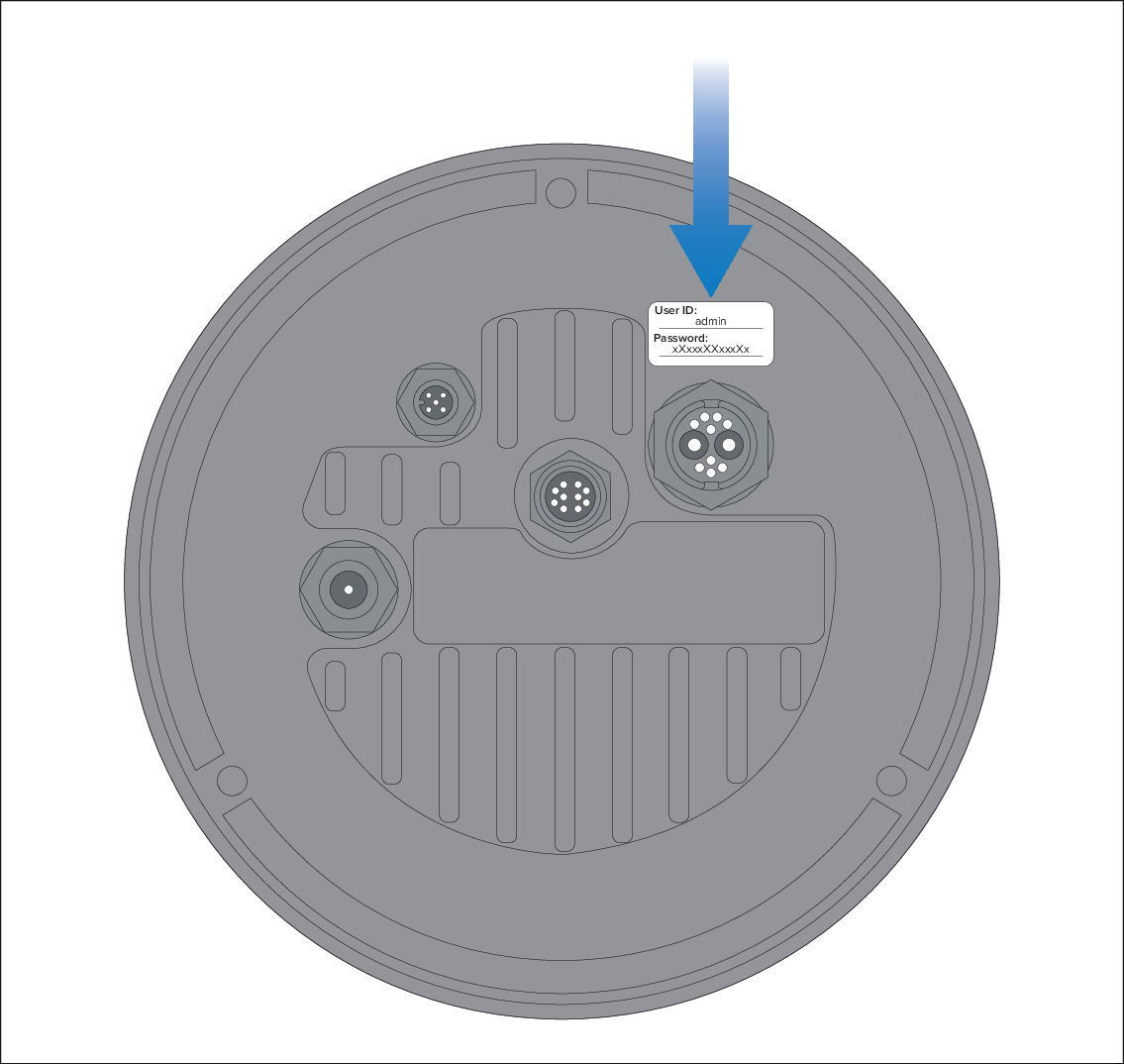
You should change the default login password to prevent unauthorized access.
The admin login can access the Maintenance menu and all the other menus. The admin login can also create user accounts and change login passwords.
Only 2 Web sessions can be active at once.
To log in:
- Go to the camera’s Web page by:
Entering the camera’s IP address directly into the address bar of your Web browser, OR:
Double-clicking the camera in “My Network Places” (Windows XP) or “Network” (later versions of Windows).
For more information, refer to the following section: Camera IP address discovery
The login screen is displayed: