First time login
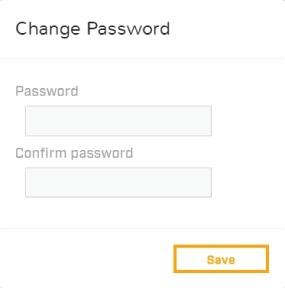
After successfully logging into the Web interface for the first time, it is important that you change the default password to a new secure password for future use.
Loginchange passwordPassword change
If your product was:
Originally obtained running a software version earlier than v2.00-67 or later:
You will be automatically prompted to enter a new password.
If your product was:
Originally obtained running software version v2.00-67 or later:
You must navigate to via the Web interface in order to change your password.
Password requirements |
|
|---|---|
Your password must:
|
 |
In low security / leisure camera installations, it is recommended you create an easy to remember password and save a copy of the password in a safe, secure and memorable location.
If you forget your password contact FLIR support for help with resetting your camera: https://www.flir.co.uk/support/
Resetting a lost password can only be accomplished with the aid of a FLIR support agent. This action will cause the internal user setting to be reset to factory.