Preparing the mounting surface — surface mounting
Surface mounting requires one cutout hole. When the performance display is surface mounted, the glass/bezel will protrude from the mounting surface.
Note
The following procedure is for preparing the mounting surface for surface mount installations. For flush or retrofit / offset mounting details, refer to:
Important
Before preparing the mounting surface ensure that:
Your selected location meets the location requirements. For details refer to: Location requirements
You have identified cable connections and the route that the cables will take.
Installation Surface mountingSurface mounting
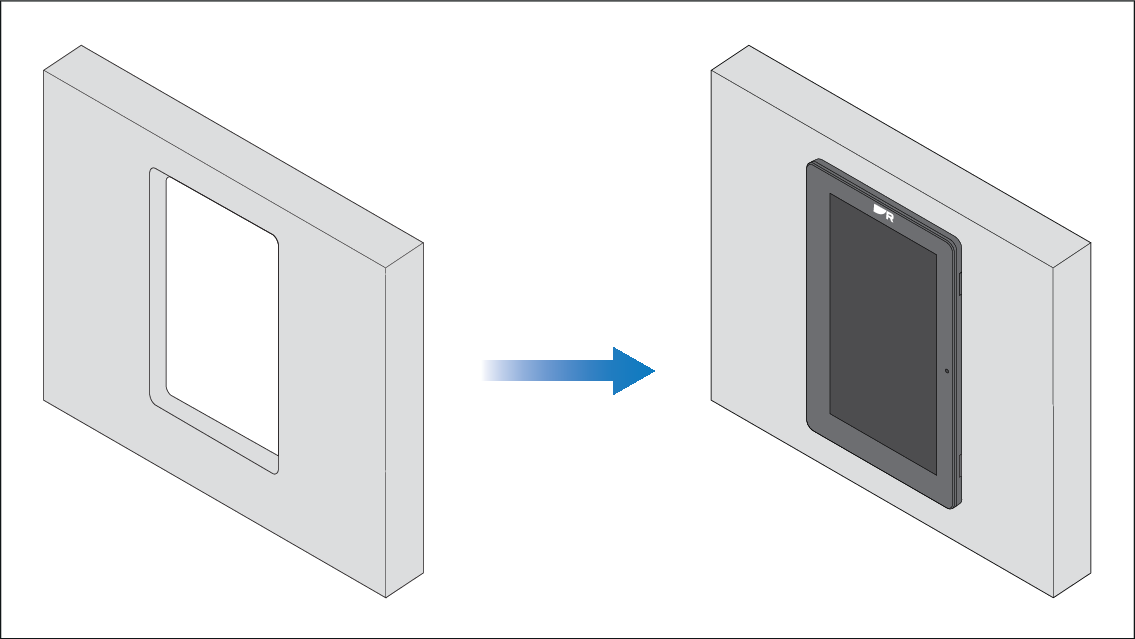
- Mark the cutout line identified on the supplied mounting template on the mounting surface.
- Use a drill and an appropriate size drill bit or hole cutter to cut out the corners of the cutout line. The corner diameter for the instruments is 8.00 mm (0.31 in).
- Use a jigsaw or similar cutting tool to cut out the remainder of the cutout area.
- Use a half round file and/or sandpaper to smooth any rough edges or burs on the cutout hole.