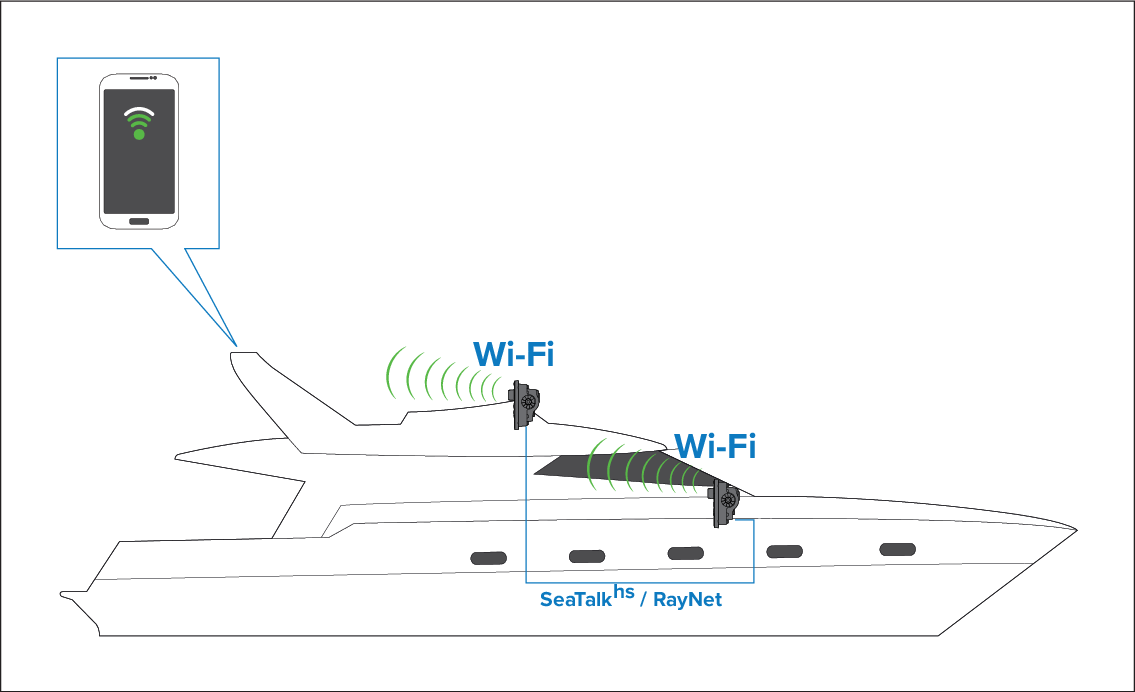
Before installing a Quantum Radar, that will
be connected using Wi-Fi, a site survey should be performed to ensure
the Wi-Fi Signal strength is sufficient to maintain a reliable connection.
It is recommended that you perform the site survey using a
smart device and a Wi-Fi Analyzer app (e.g. Wi-Fi Analyzer by Farproc
for android devices).
- Install the Wi-Fi Analyzer app on your smart device.
- Enable your MFDs Wi-Fi connection: ()
- Make a note of the MFDs Wi-Fi Name ().
- Go to the location you have chosen for your Radar.
- Open the Wi-Fi Analyzer app on your smart device and scan
available networks.
- Establish the signal strength of your MFDs Wi-Fi network
at the intended install location.
For reliable Wi-Fi performance the signal strength should be
better than –75dBm, the closer the signal is to zero the better the
Wi-Fi performance will be (e.g. –40dBm is better than –75dBm).
- If you have a weak or intermittent signal then you will
need to investigate further, please refer to the Wi-Fi location requirements
guide to help establish what may be causing the problem.
- For networks with multiple MFDs, repeat steps 2 to 7 for
each MFD in your network.