Changing the Quantum-Series Radar channel
In rare circumstances, Radar noise which cannot be eliminated using the Radar app’s Sensitivity settings may be reduced by changing the Radar’s internal wired adapter channel.
Note
This feature requiresQuantum 2 software version v2.50 (or later) / Quantum software version v2.44 (or later), and LightHouse 4 software version v4.3.54 (or later).
In the first instance you should try adjusting Sensitivity settings to eliminate the noise before changing the Wired adaptor channel.
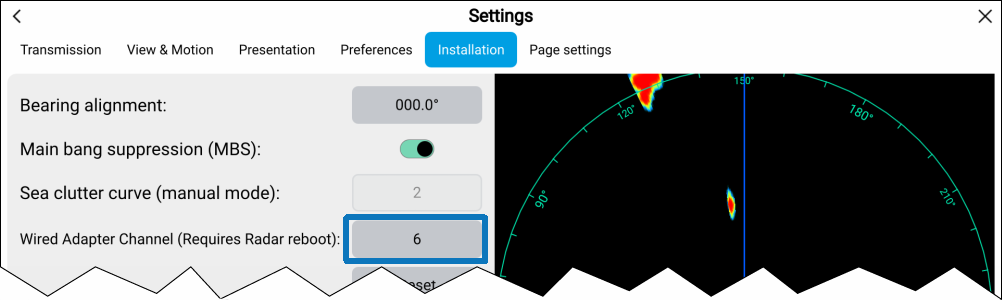
Follow the steps below to change the channel from your display:
- Select the Wired Adapter Channel field.