Switching to night mode
The remote includes a Night mode which reduces the display brightness and changes the color theme to a darker color palette, making the display easier to read at night.
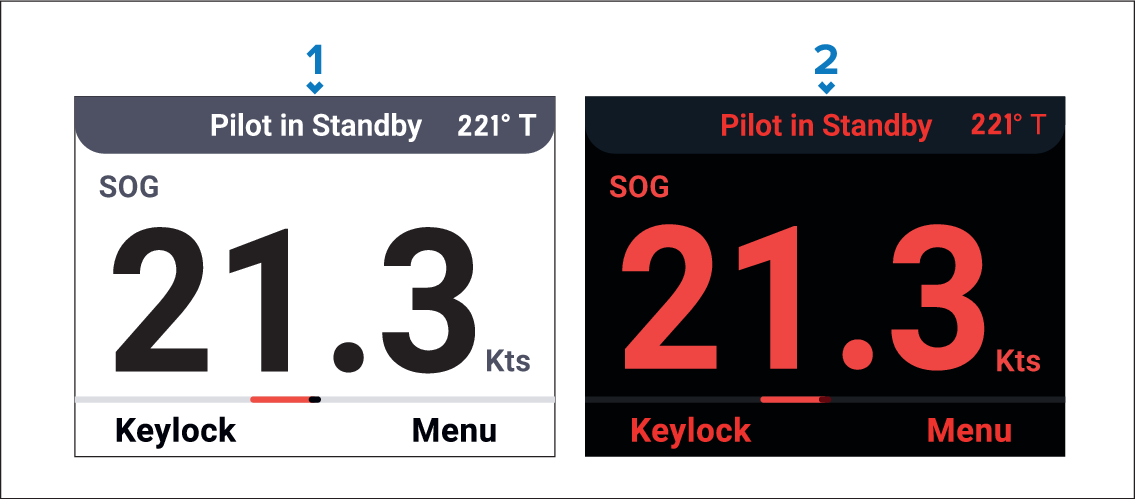
Day
Night
- Press the Power button to open the BRIGHTNESS page.
- Press the Night (Right soft) button to activate Night mode..
Switching between Night and Day modes will cause the remote to reboot, the autopilot operation will not be affected.
With the BRIGHTNESS page displayed, the brightness can also be increased in 25% increments each time the Power button is pressed. This is useful to quickly adjust the brightness for daylight viewing, when the display is set for night time viewing.
In Night mode once 100% brightness is reached the next press of the Power button will deactivate Night mode.
The BRIGHTNESS page will timeout after approximately 5 seconds of inactivity.