Keylock
The remote’s buttons can be locked to prevent accidental operations.
KeylockBy default, Keylock is assigned to the Left soft button. If a different shortcut has been assigned to the Left soft button Keylock can be activated from the Shortcut key menu: .
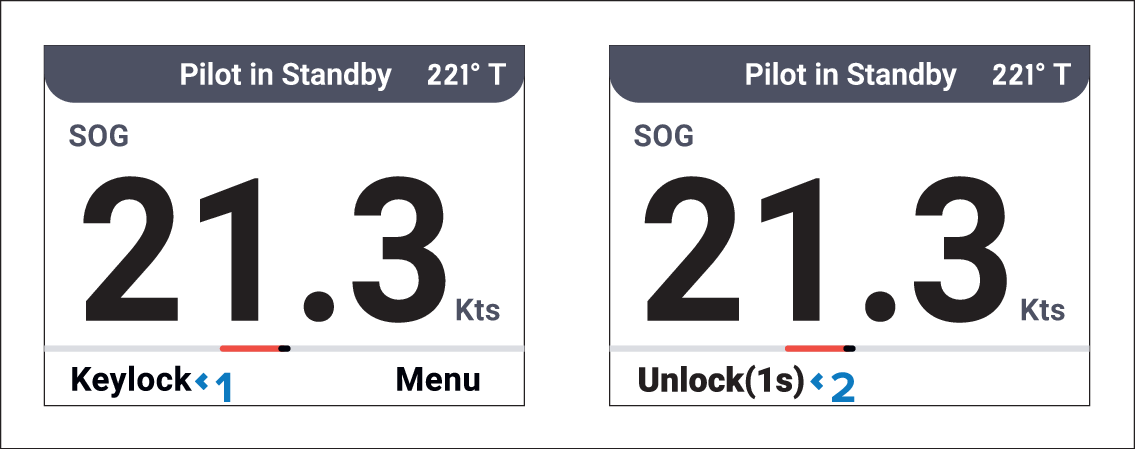
Keylock (Left soft) button — Press to activate Keylock.
Unlock(1s) (Left soft) button — Press for 1 second to deactivate Keylock.
While Keylock is active the STBY (Standby) button remains enabled and a Man Overboard can be triggered using the Waypoint/MOB button.